Custom Wheel Maker: Make a Spinner
Design a wheel that fits your event: your entries, colours, title, logo in the centre, spin time and odds. Save it to your device or share it with a link.
Tap the wheel, flick it, or press Ctrl + Enter
Large list: edit it in Text view.
Tip: add *3 after an entry to triple its chance, or a colour like #16A34A to colour its slice.
…This hash locks in the next result before you spin. After the spin we reveal the seed so anyone can check it.Everything you can customise
| Option | Where | How |
|---|---|---|
| Entries | Entries tab | One per line, import .txt/.csv, sort, shuffle, de-duplicate |
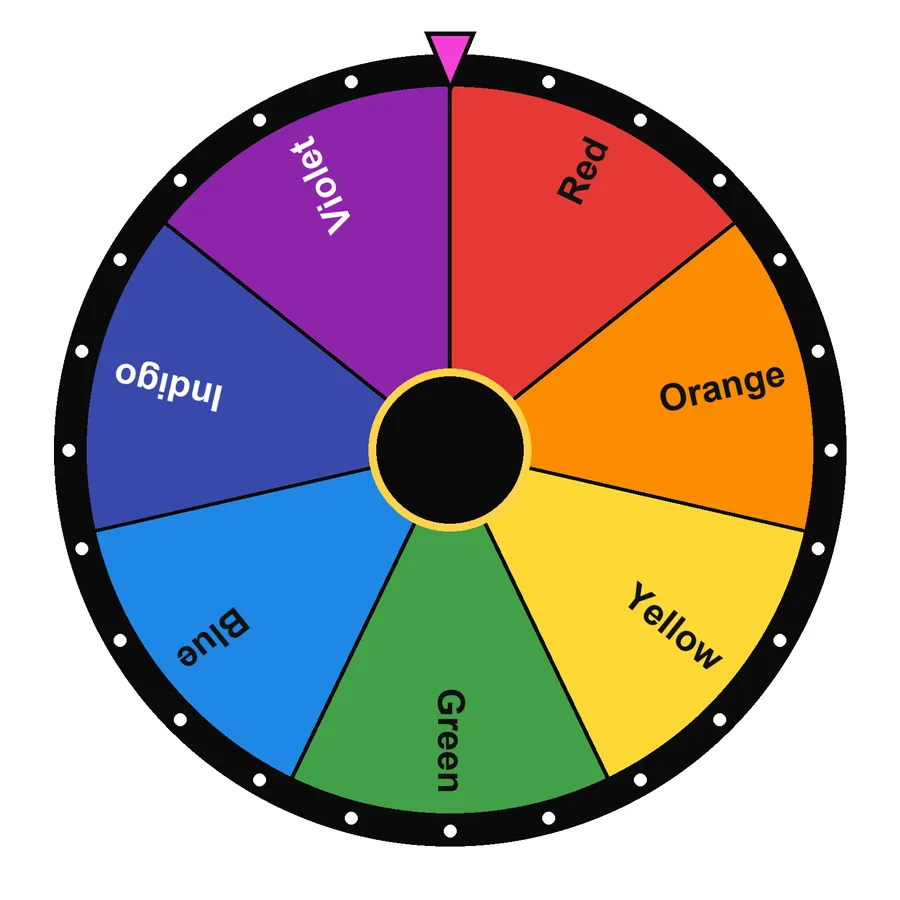
| Slice colour | Entries tab | Add #hex after an entry, or pick a colour theme |
| Odds | Entries tab | Add *number; percentages appear below the list |
| Title | Settings | Shown above the wheel and in projector mode |
| Centre logo | Settings | Any image; saved on your device |
| Spin time | Settings | 1-15 seconds |
| Winners per spin | Settings | 1-10, no repeats |
| Sound & confetti | Settings | On or off |
Make a wheel in four steps
- Replace the example entries with your own.
- Give the wheel a title and choose a theme or individual slice colours.
- Add your logo and set the spin time.
- Save it under “My saved wheels” or press Share to send the link.
Ideas for custom wheels
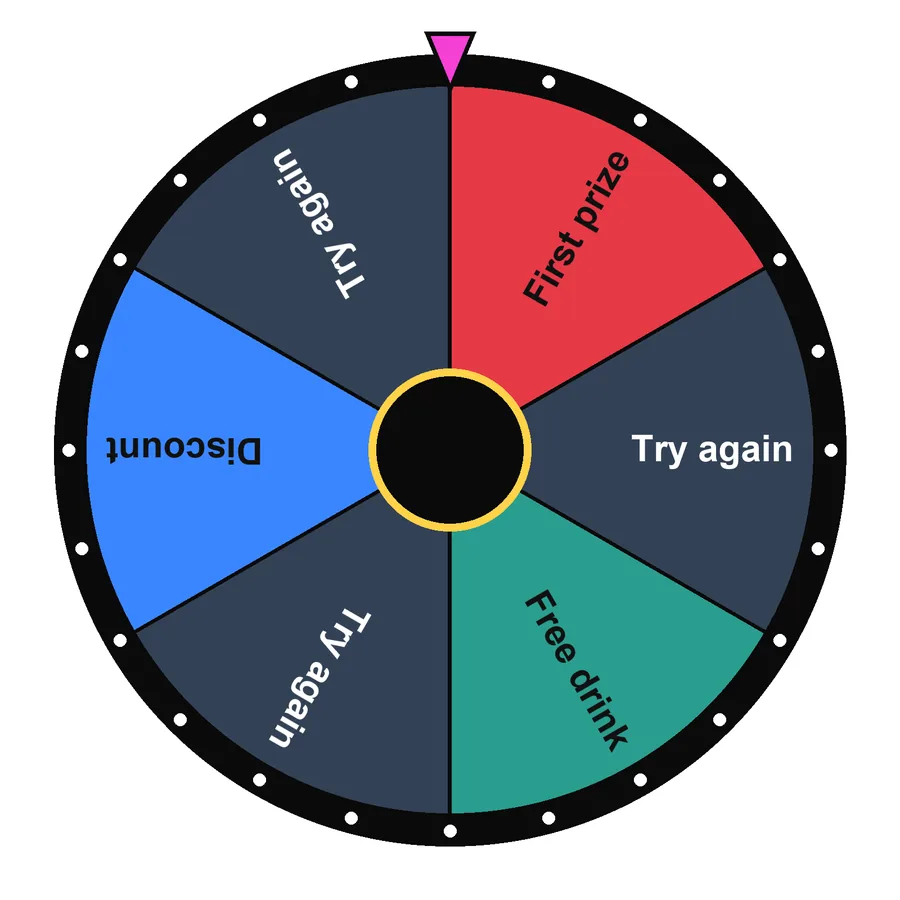
- Shop or stand promotions: a branded prize wheel with “Try again” slices, be clear with customers about the odds.
- Classroom rewards: extra break, homework pass, choose the music.
- Workouts: exercises with weights so harder moves come up less often.
- Content creators: challenges for viewers, shown as a transparent overlay.
Looking for a ready-made starting point instead? Browse the wheel templates.
Frequently asked questions
How do I change the colour of one slice?
Add a hex colour after the entry, for example Winner #16A34A. Entries without a colour use the selected colour theme.
Can I add my logo to the wheel?
Yes. Choose an image under Settings → Centre image. It is drawn in the middle of the wheel and saved on your device.
How do I share my custom wheel?
Press Share. The link contains all your entries and settings, so whoever opens it sees the same wheel. Logos are not included in links to keep them short.
Can I embed or stream the wheel?
Open your wheel with ?obs=1 at the end of the address for a clean, transparent view you can add to OBS or another streaming tool as a browser source.
How do I make a custom wheel spinner?
Type your entries, pick colours and a wheel style, add a title and save. That is all it takes to create a wheel. This spin wheel maker keeps your custom spin the wheel in your browser and gives you a short link, so you never need a wheel creator account.



Written and tested by Musa Tariq · Editorial Team · Last updated