Random Team Generator
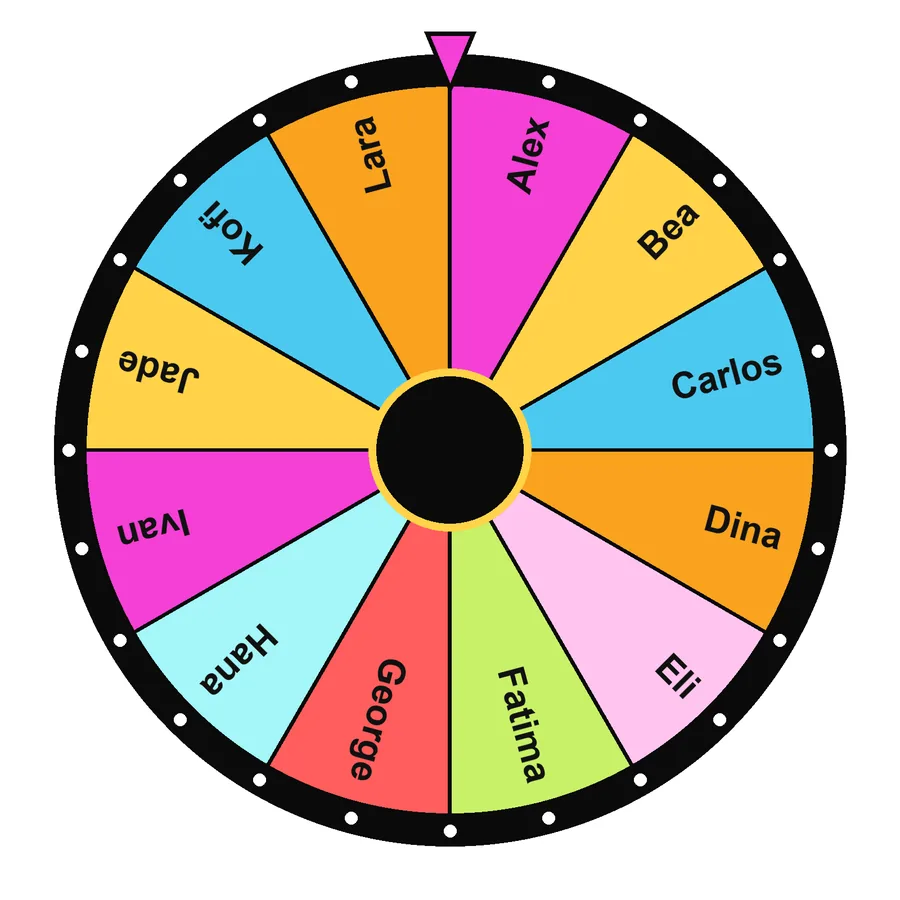
Paste your list of names, choose how many teams you need and get balanced random groups instantly, or spin the wheel to choose captains first.
Tap the wheel, flick it, or press Ctrl + Enter
Large list: edit it in Text view.
Tip: add *3 after an entry to triple its chance, or a colour like #16A34A to colour its slice.
…This hash locks in the next result before you spin. After the spin we reveal the seed so anyone can check it.How to split a group into teams
- Paste one name per line in Entries.
- Open the Teams tab and choose how many teams.
- Press Make random teams. Not happy? Press it again.
When to use a team generator
- PE and sportFair sides without the awkward “picking last”.
- Group projectsMix students who usually sit together.
- WorkshopsBreak-out rooms for meetings and training.
- Game nightsQuiz teams, charades, tournaments.
Fair teams tips
- Want mixed skill levels? Make one list of strong players, split it, then split the rest, and combine team by team.
- Use the shuffle with secure randomness, not “counting off”, which people can game by choosing their place in line.
- Save the list so next week’s teams take seconds.
How many teams should you make?
| Group size | Suggested teams | People per team |
|---|---|---|
| 8-10 | 2 | 4-5 |
| 12-16 | 3-4 | 4 |
| 20-30 (class) | 5-6 | 4-5 |
| Workshops | Groups of 3-5 | 3-5 |
Research on group work suggests teams of three to five give everyone a voice while still mixing ideas.
Picking captains and order
- Spin with “Winners per spin” equal to the number of teams to choose captains.
- Press Remove so captains are not drawn again.
- Use Make random teams for the rest, then give each captain a team.
Fair and private
Names are shuffled with secure randomness, so nobody can predict the split, and the list never leaves your device. Save each group under Settings → My saved wheels so you can make new teams next week in one tap.
Frequently asked questions
How do I make random teams?
Paste the names, open the Teams tab, choose the number of teams and press “Make random teams”. Press it again for a new random split.
Are the teams the same size?
Yes, as close as possible. If the names do not divide evenly, some teams get one extra person.
Can I pick captains first?
Spin the wheel with “Winners per spin” set to the number of teams to choose captains, then remove them and split the rest.
Can I use it as a team spin wheel?
Yes. Add every name, choose how many groups you need and the team randomizer splits them evenly. If you prefer the suspense of a group spin wheel, spin one name at a time on the team spin wheel instead.



Written and tested by Musa Tariq · Editorial Team · Last updated