Spin the Wheel Templates
Pick a ready-made wheel below. It loads instantly in the spinner above with its own colours and wheel style, edit it, save it or share it.
Tap the wheel, flick it, or press Ctrl + Enter
Large list: edit it in Text view.
Tip: add *3 after an entry to triple its chance, or a colour like #16A34A to colour its slice.
…This hash locks in the next result before you spin. After the spin we reveal the seed so anyone can check it.Template library
48 templates
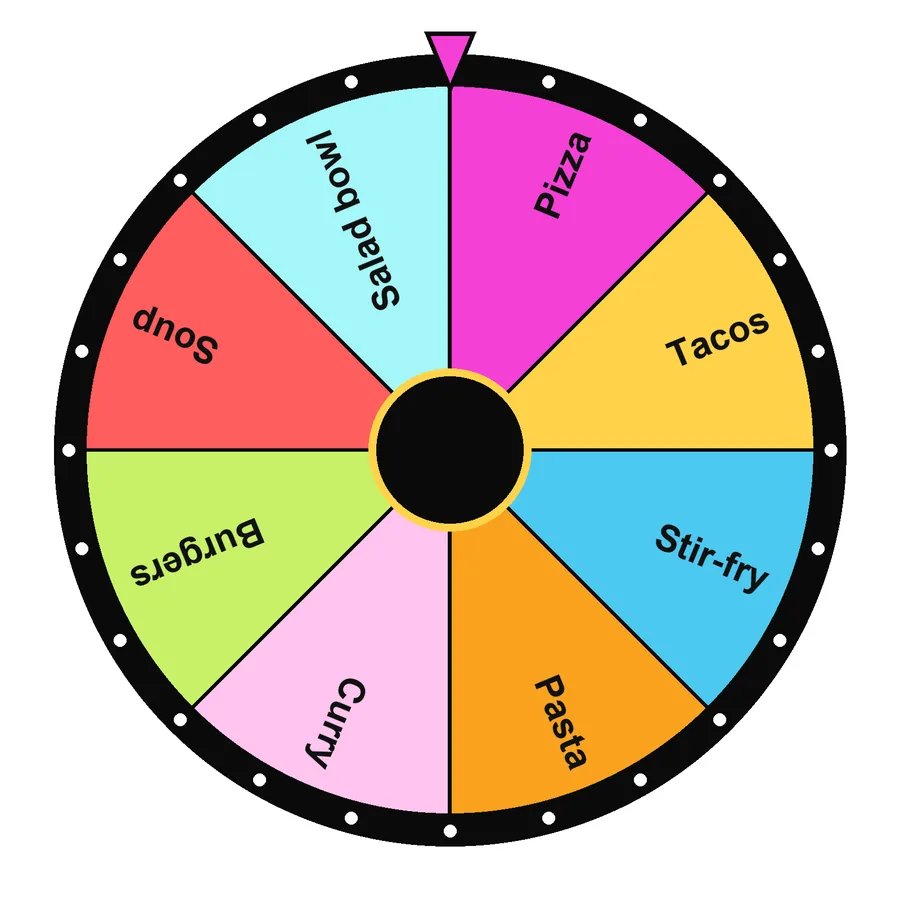 What’s for dinner8 · Food & drinkSpin this
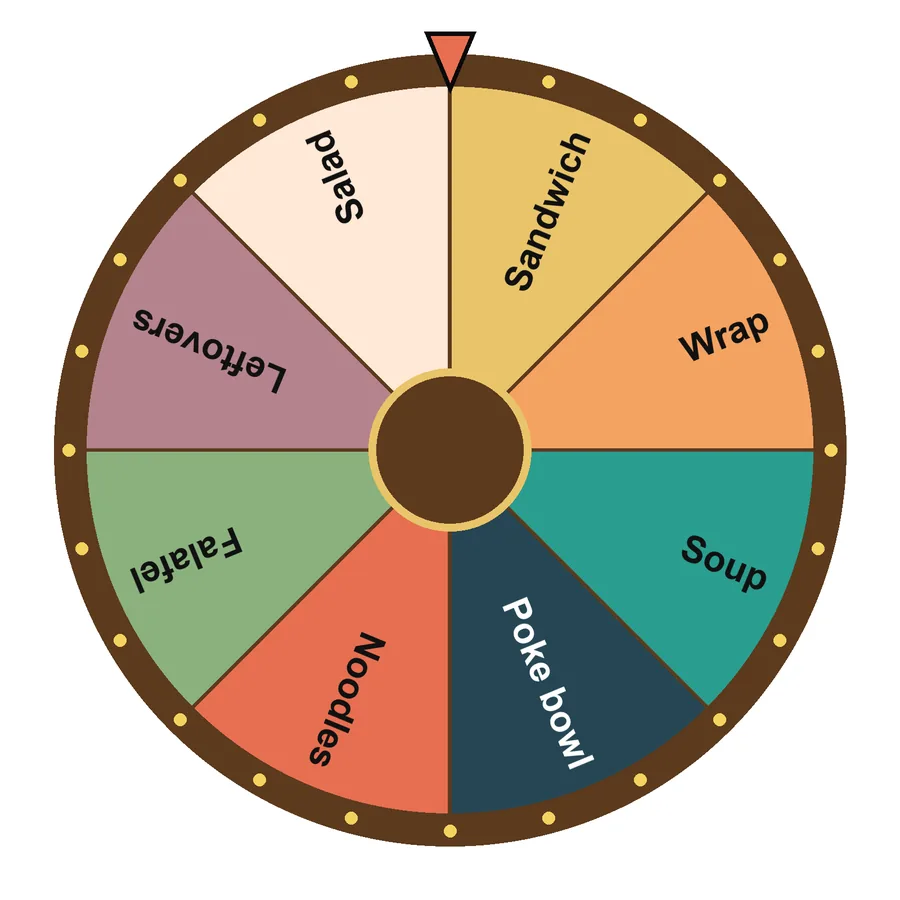 Lunch ideas8 · Food & drinkSpin this
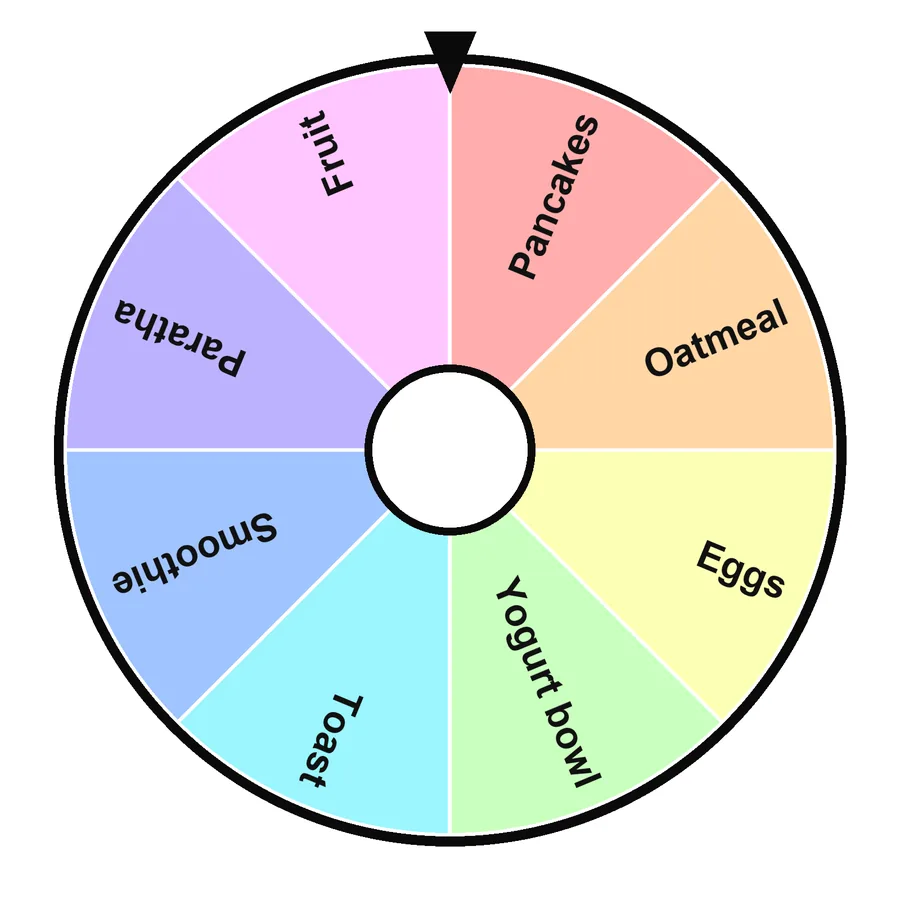 Breakfast8 · Food & drinkSpin this
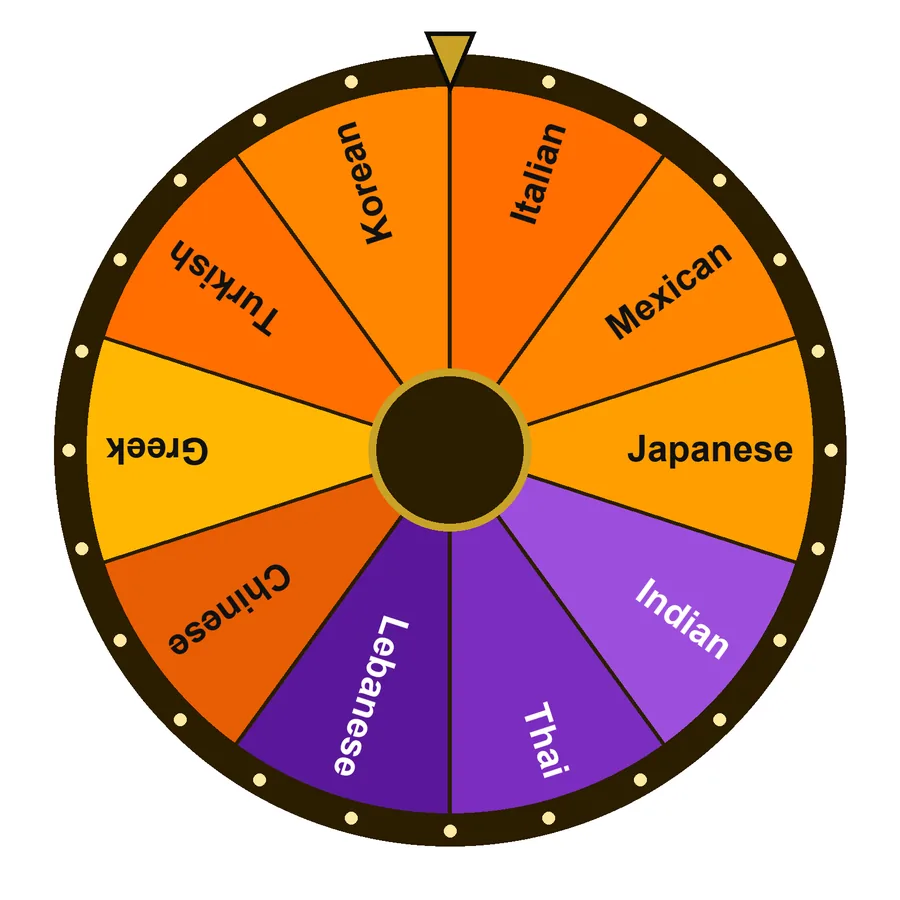 World cuisines10 · Food & drinkSpin this
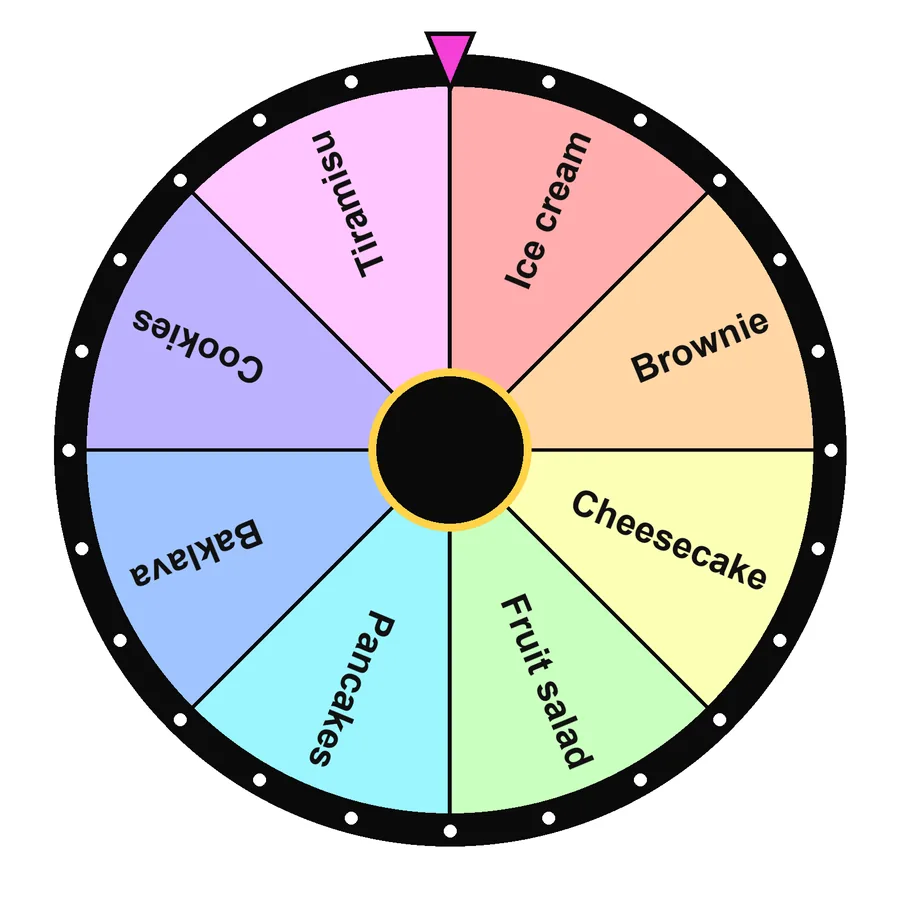 Desserts8 · Food & drinkSpin this
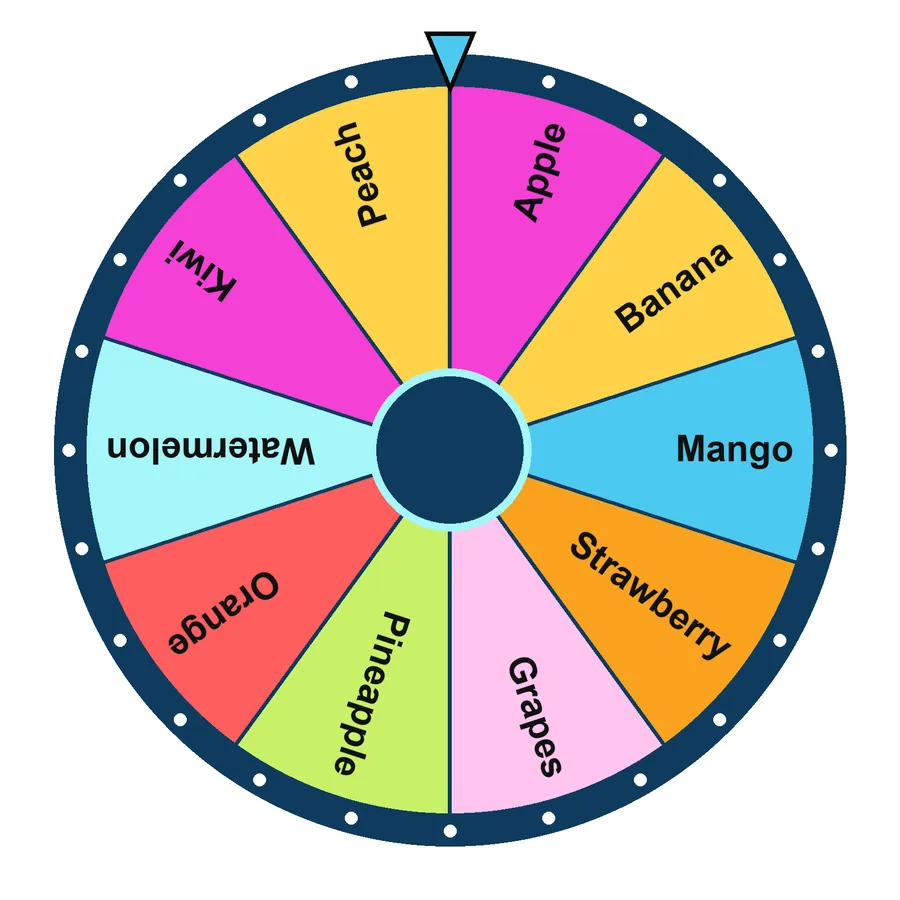 Fruits10 · Food & drinkSpin this
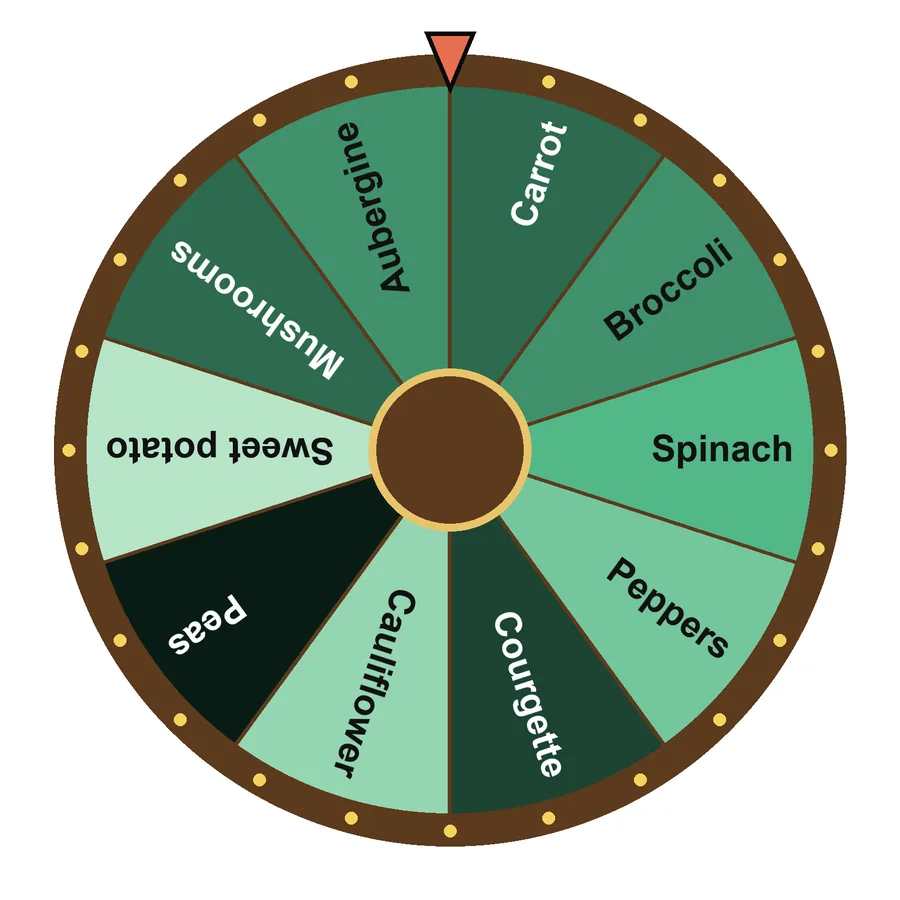 Vegetables10 · Food & drinkSpin this
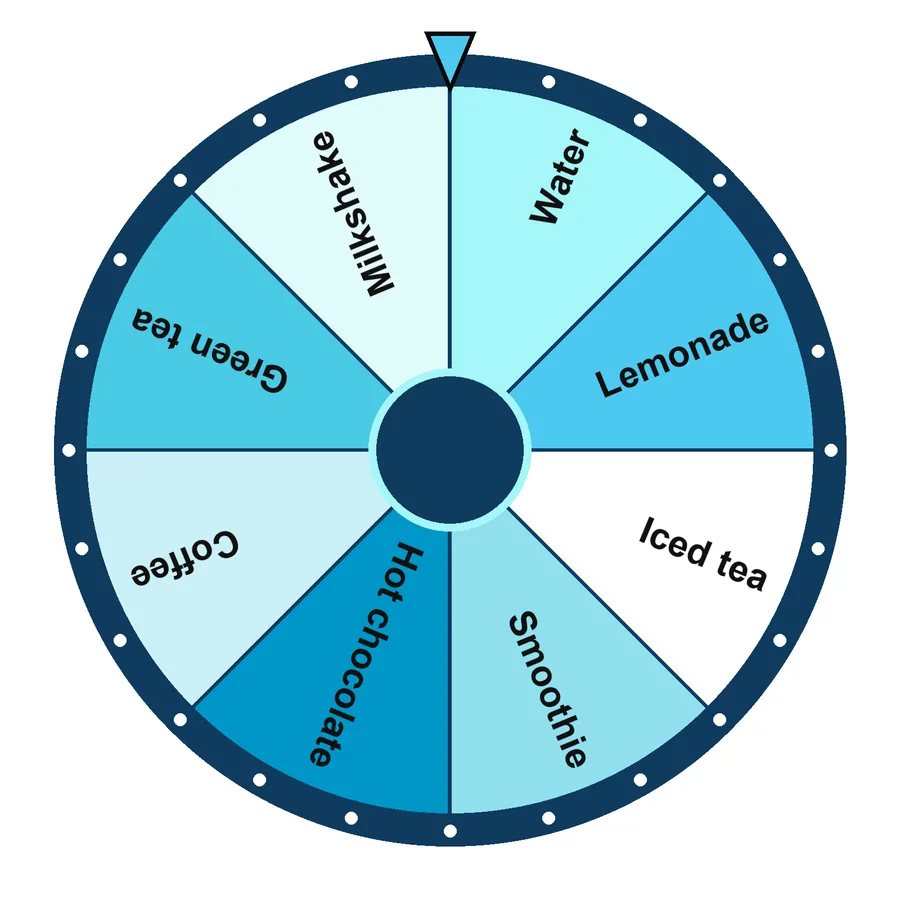 Drinks & beverages8 · Food & drinkSpin this
 Pizza toppings8 · Food & drinkSpin this
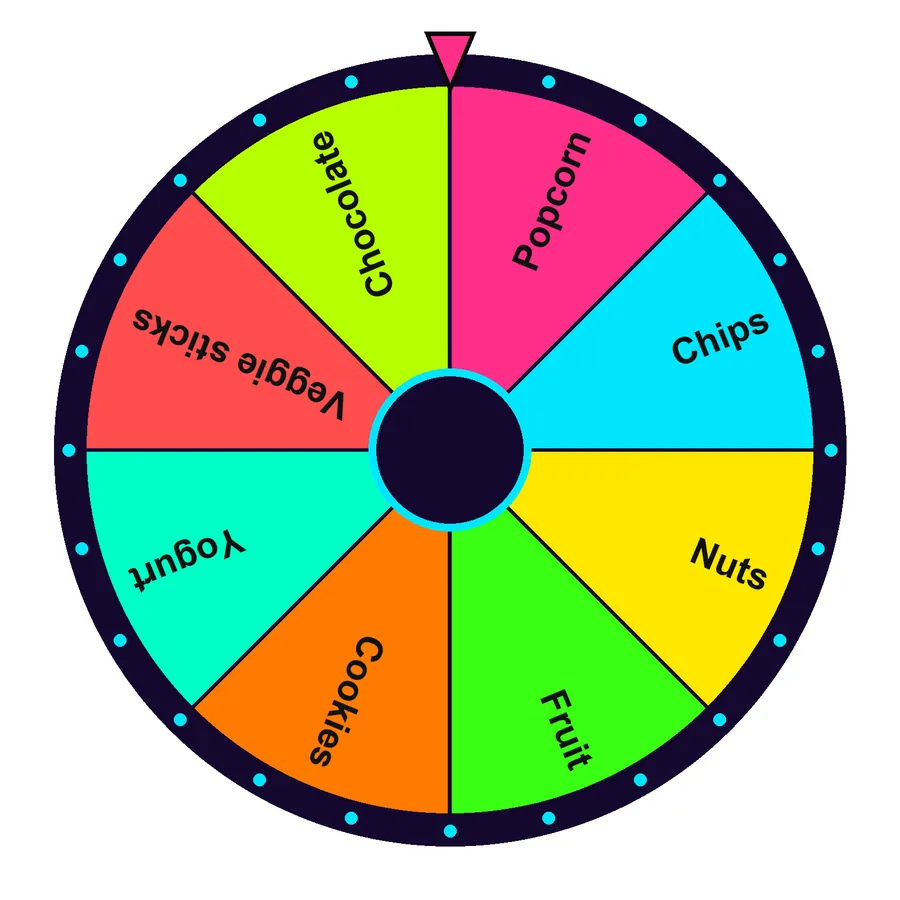 Snacks8 · Food & drinkSpin this
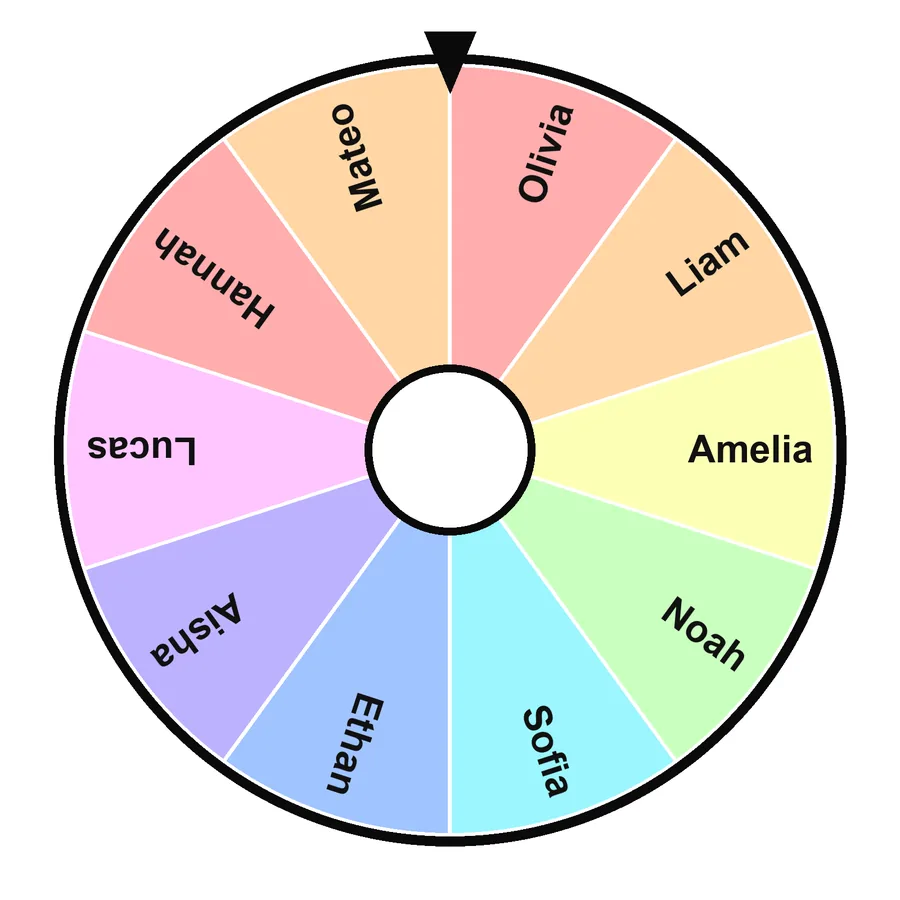 Student picker (sample)10 · ClassroomSpin this
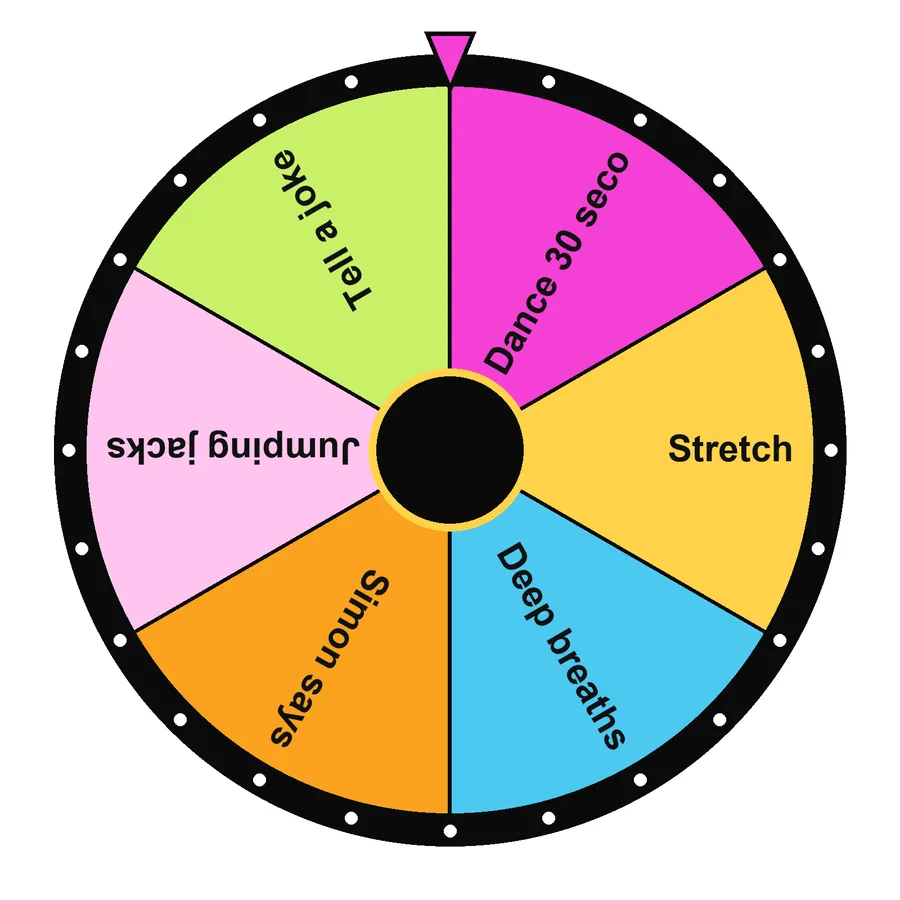 Brain breaks6 · ClassroomSpin this
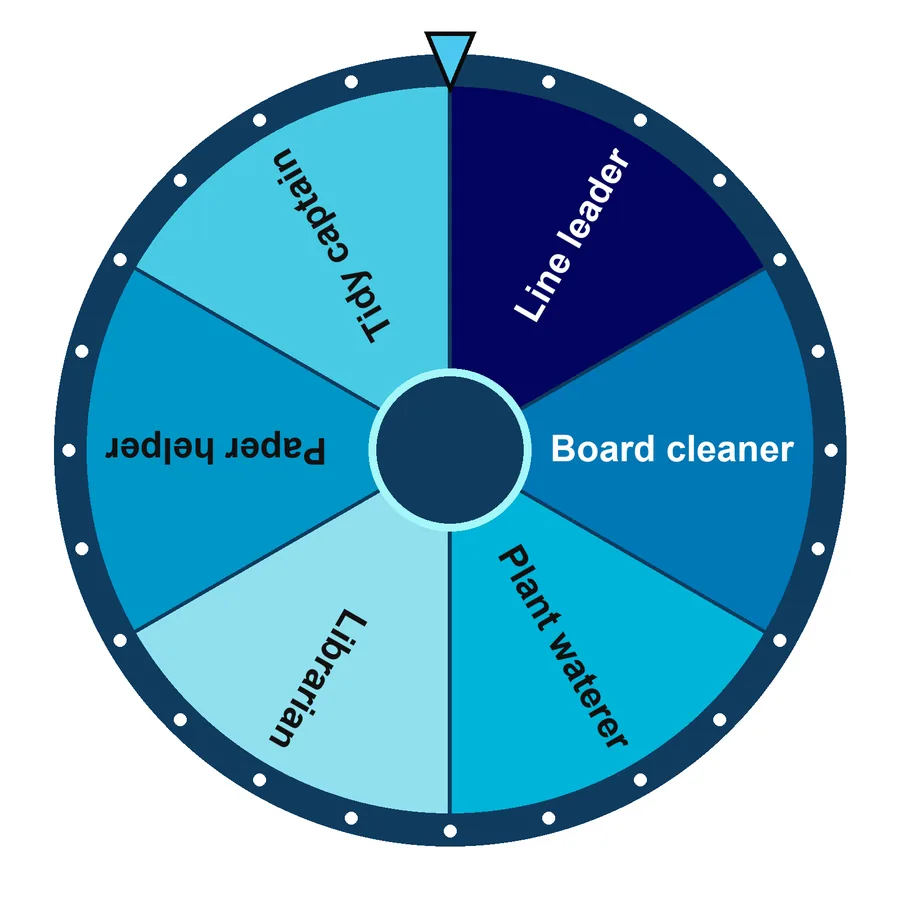 Class jobs6 · ClassroomSpin this
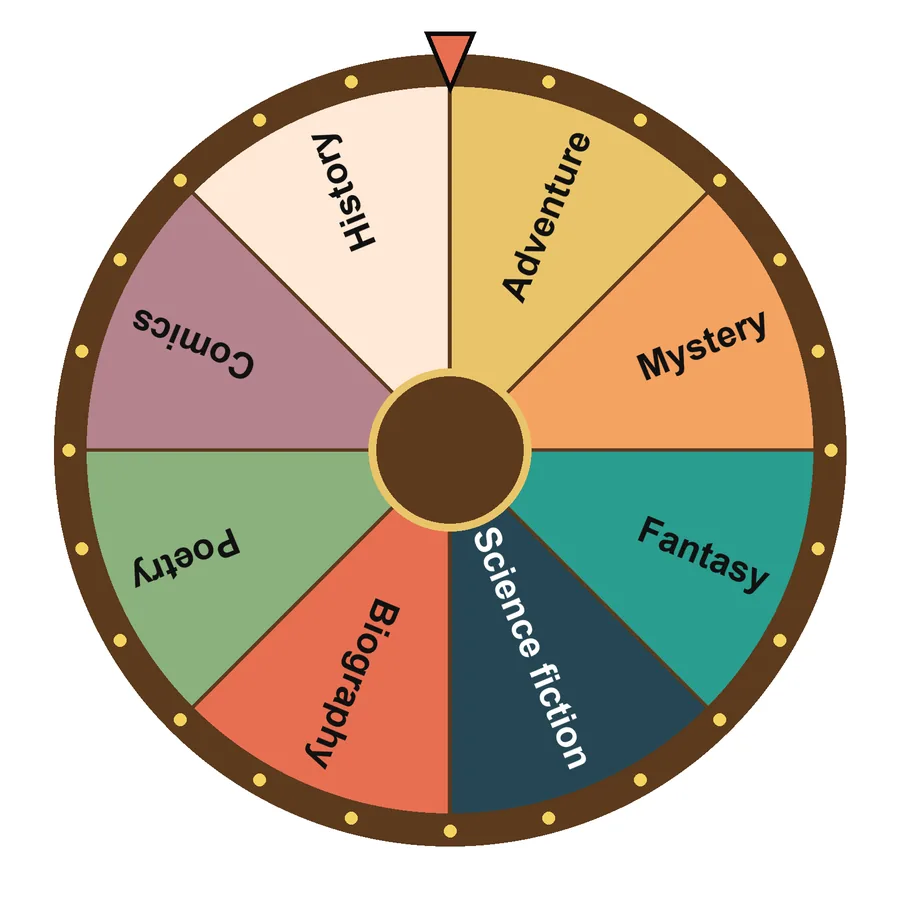 Reading genres8 · ClassroomSpin this
 Exit ticket questions6 · ClassroomSpin this
 Truth or dare4 · Games & partySpin this
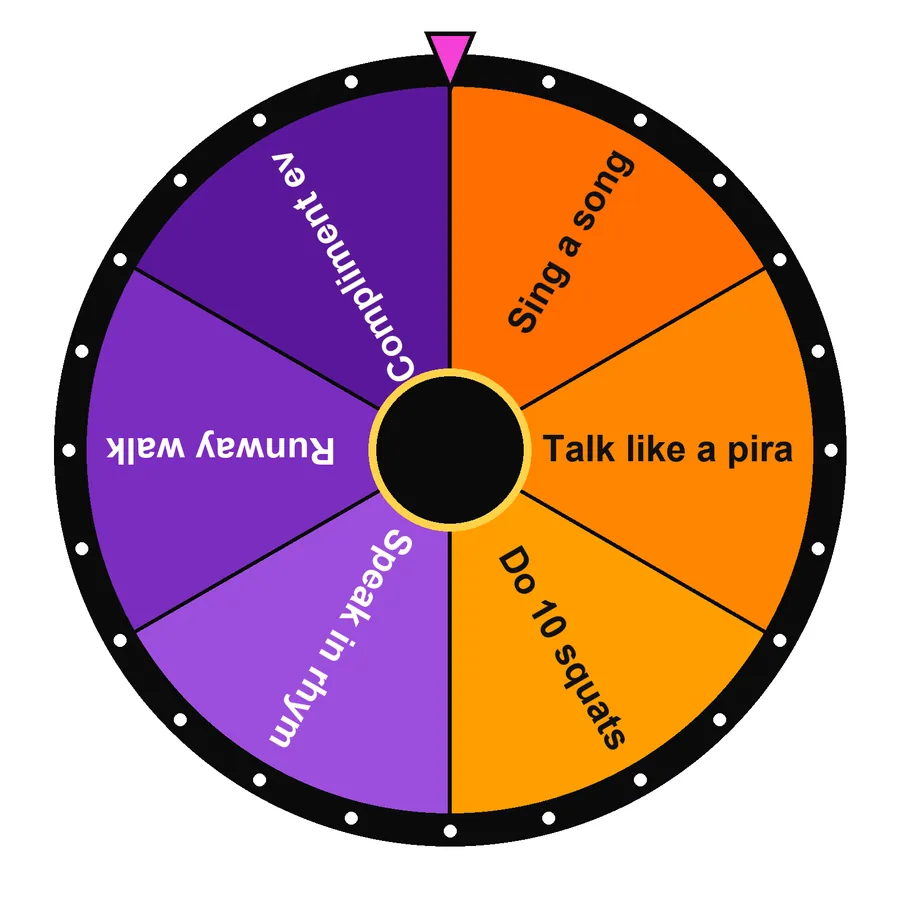 Party forfeits6 · Games & partySpin this
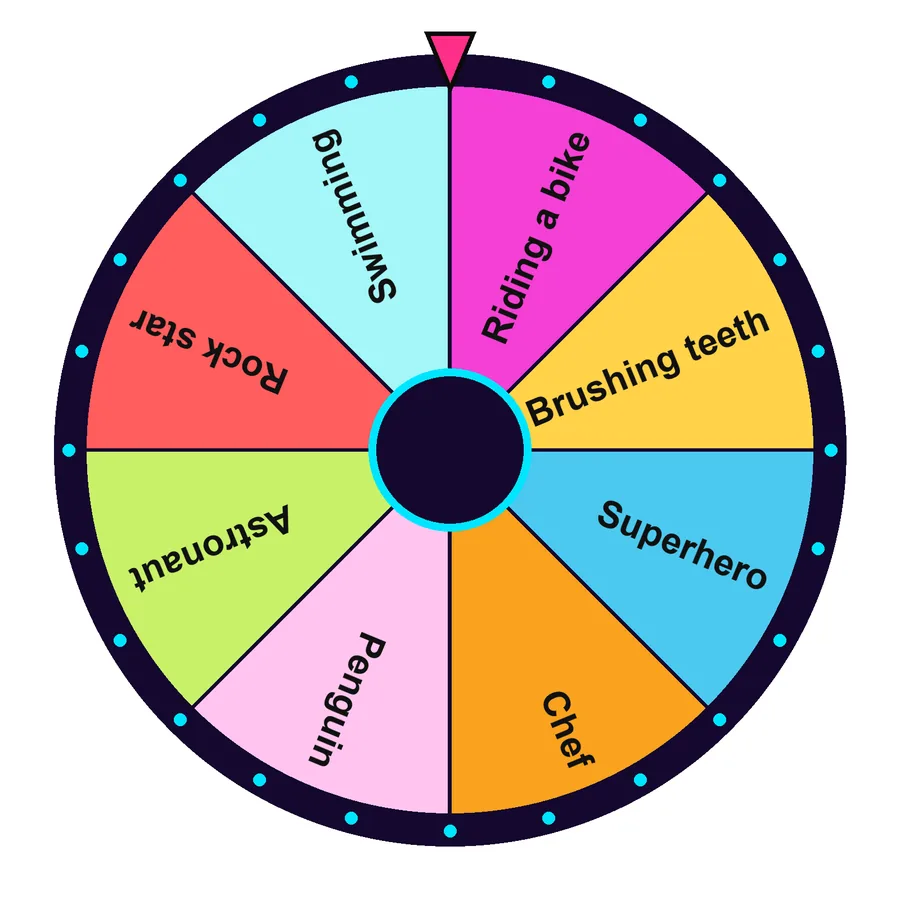 Charades8 · Games & partySpin this
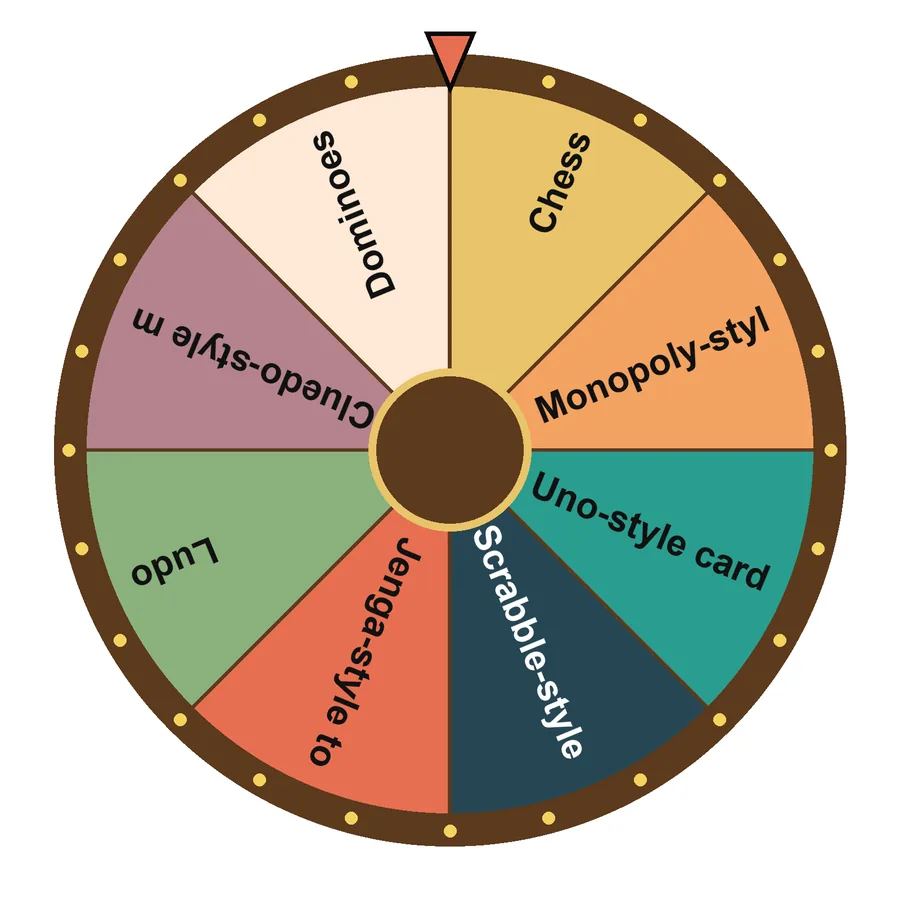 Board game night8 · Games & partySpin this
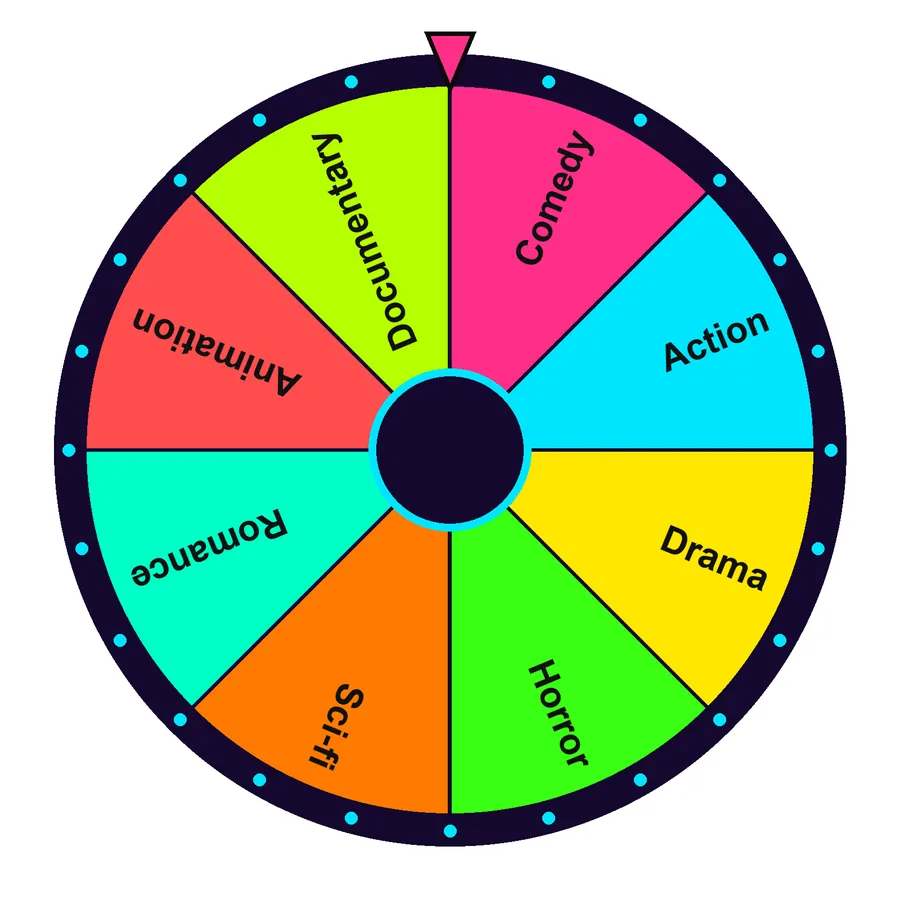 Movie genres8 · Games & partySpin this
 Music genres8 · Games & partySpin this
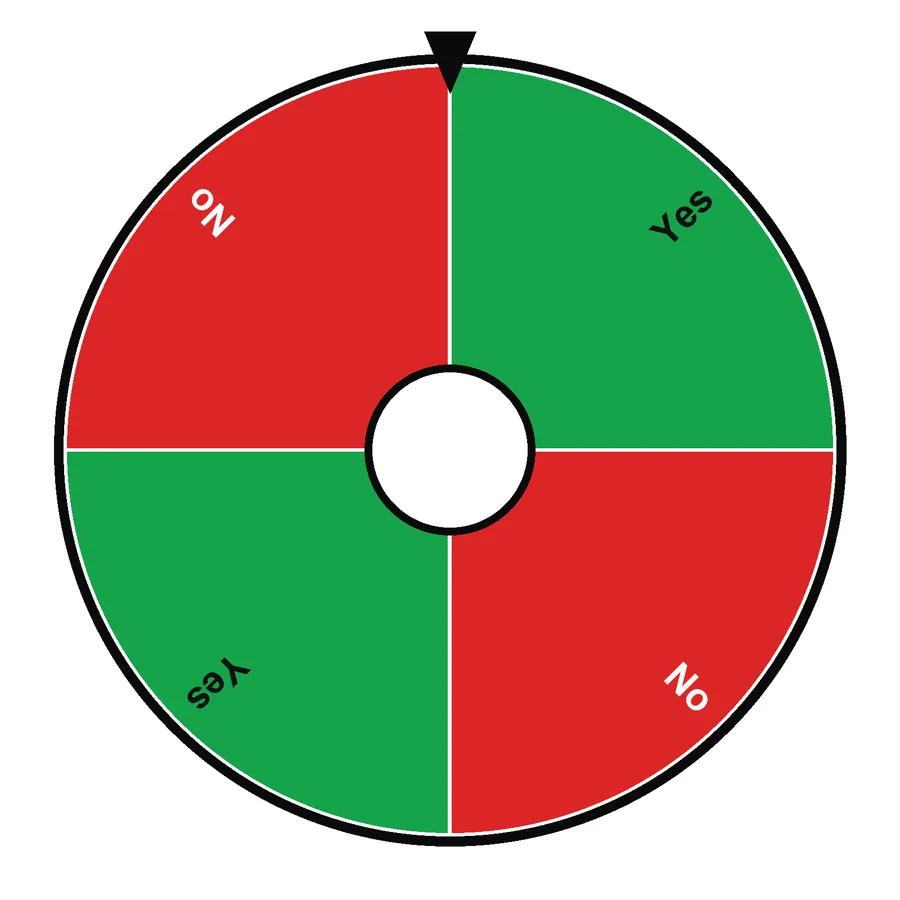 Yes or no4 · DecisionsSpin this
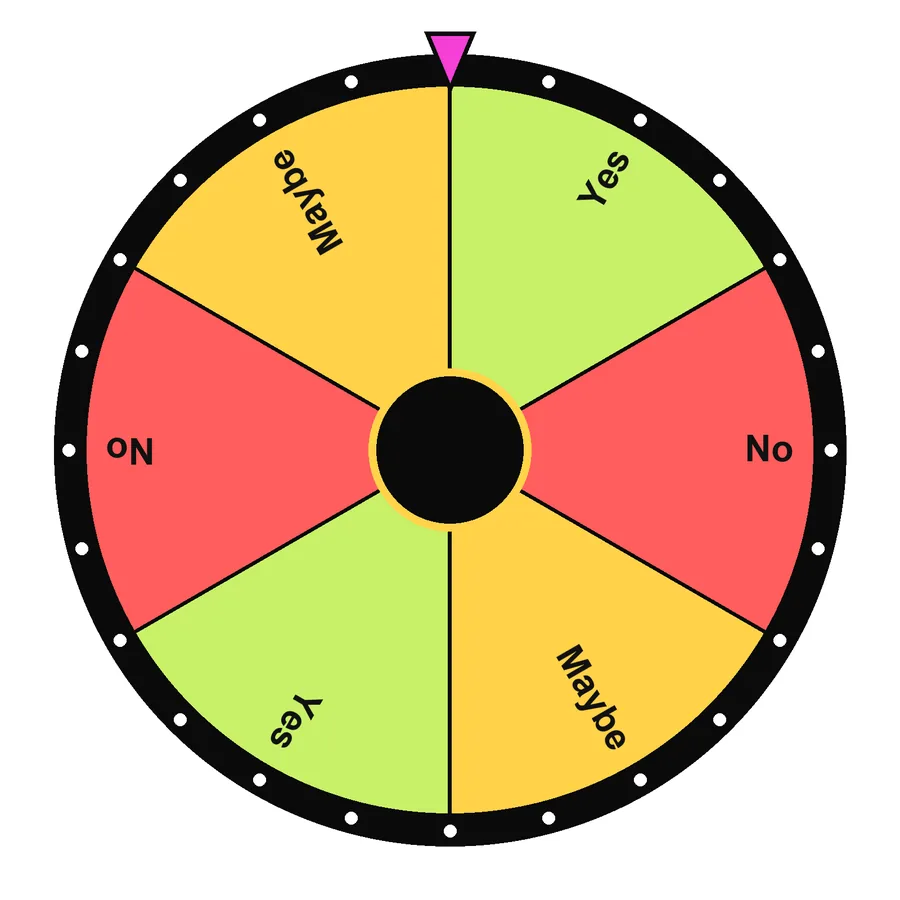 Yes, no or maybe6 · DecisionsSpin this
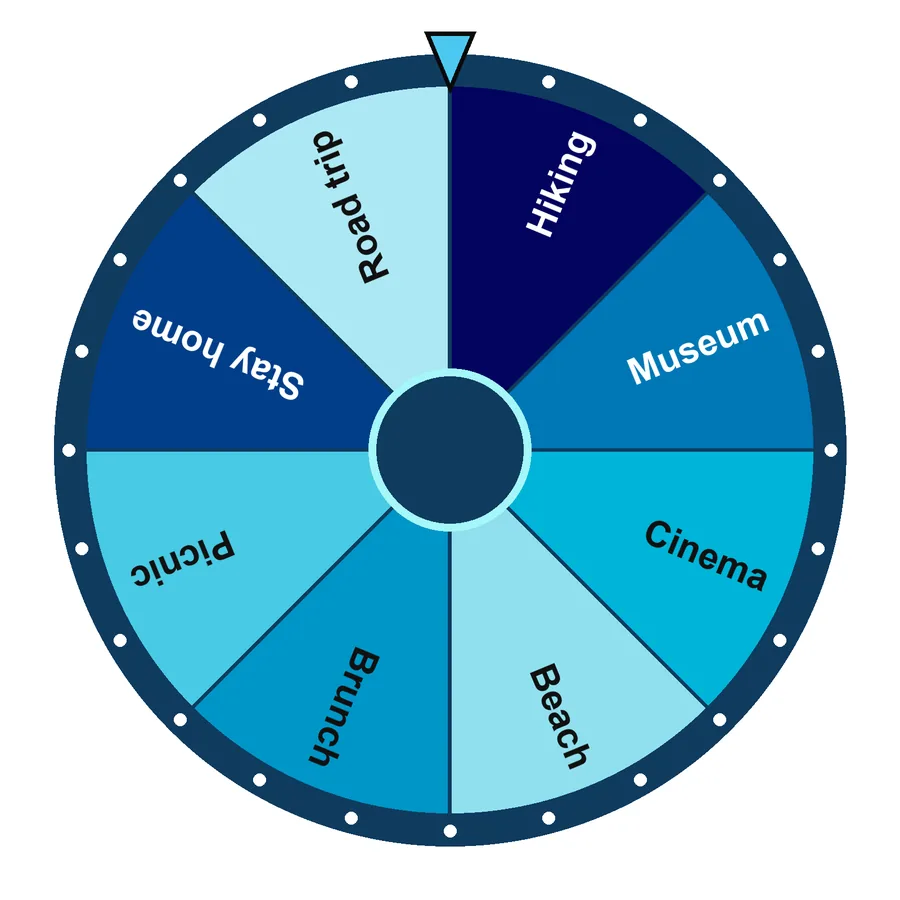 Weekend plans8 · DecisionsSpin this
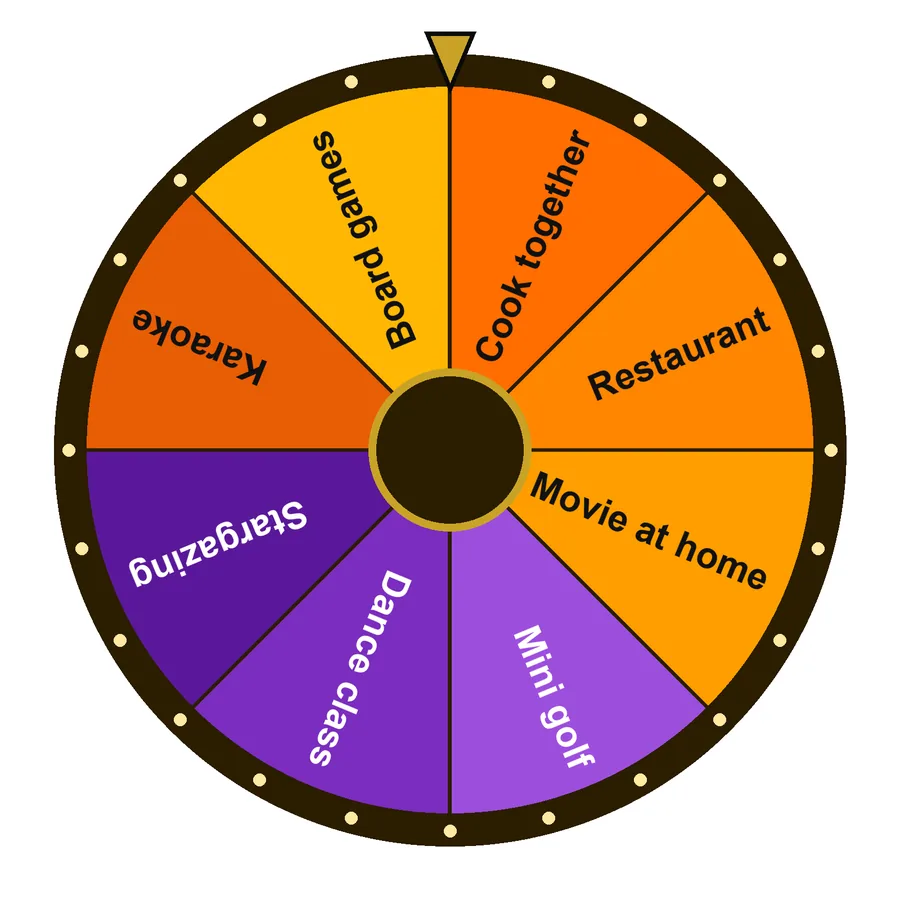 Date night8 · DecisionsSpin this
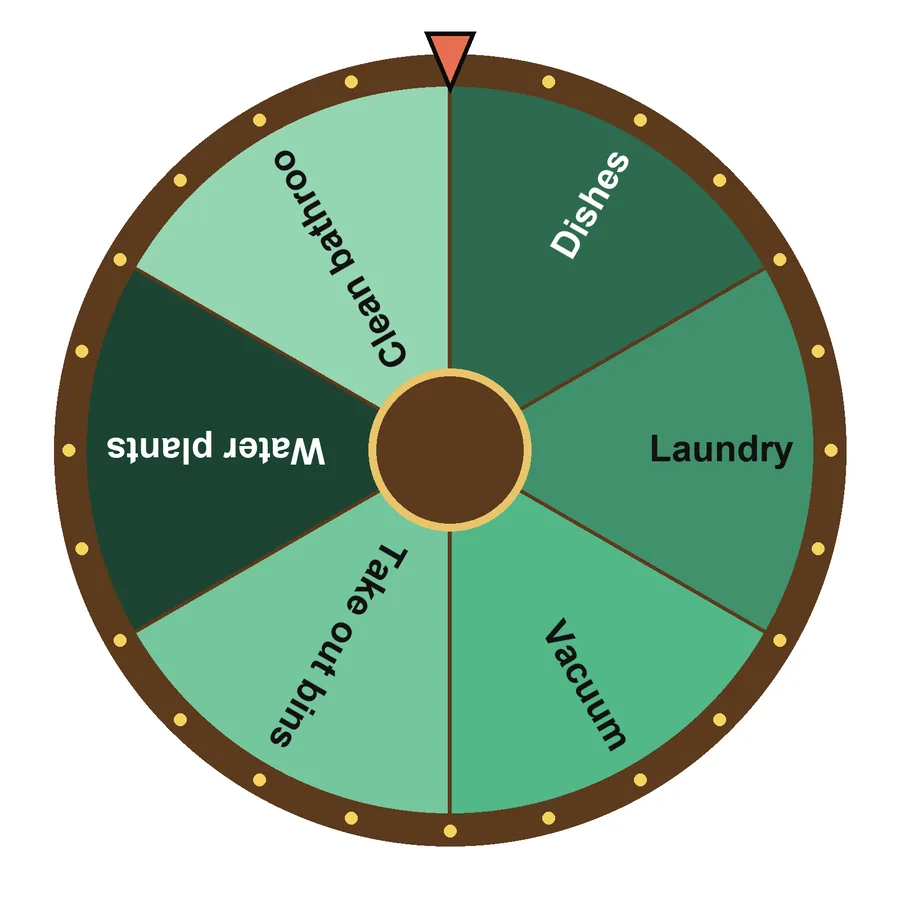 Chores6 · DecisionsSpin this
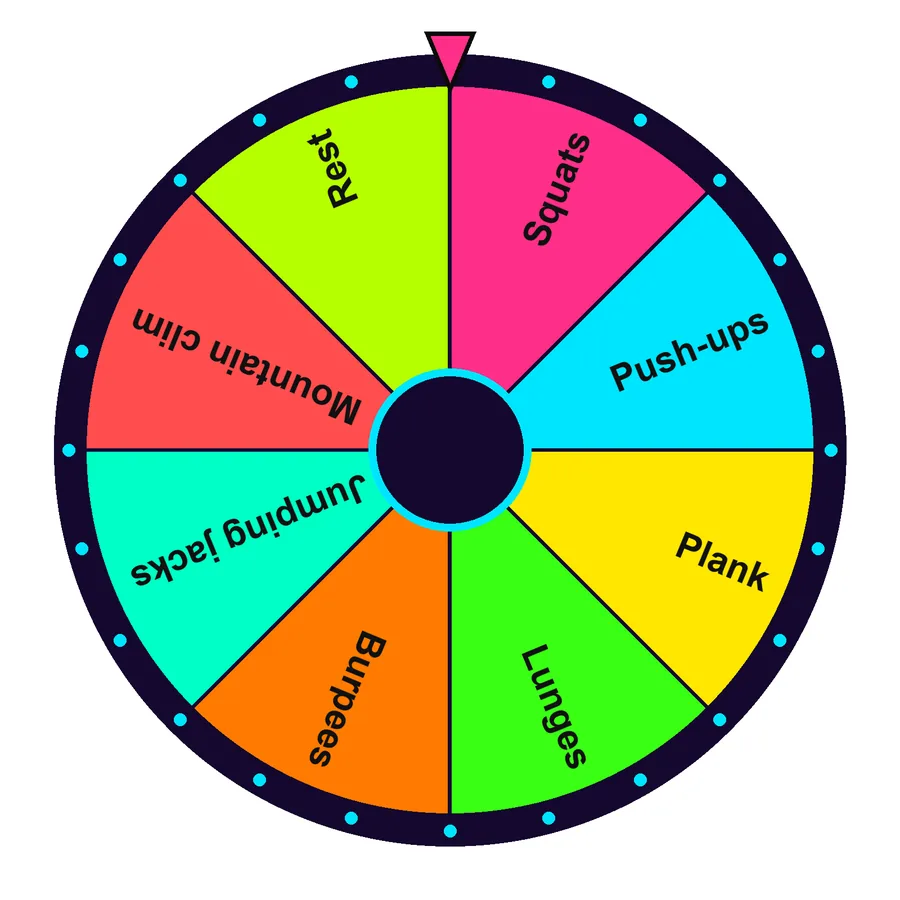 Workout moves8 · DecisionsSpin this
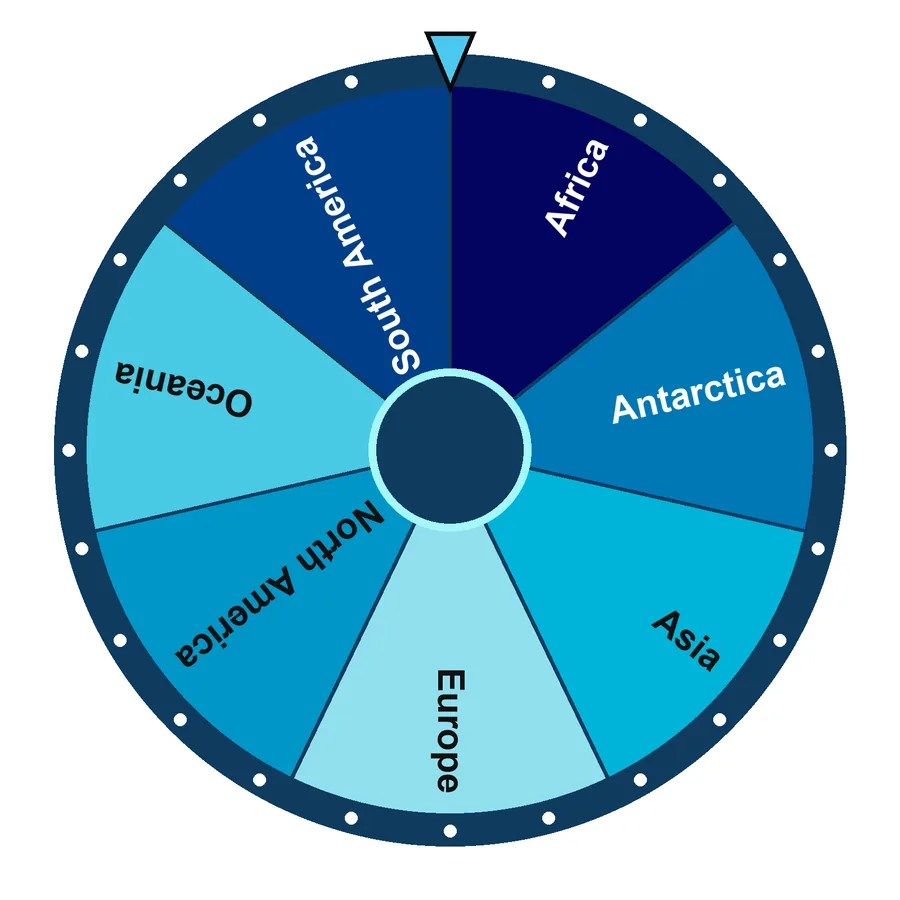 Continents7 · Places & travelSpin this
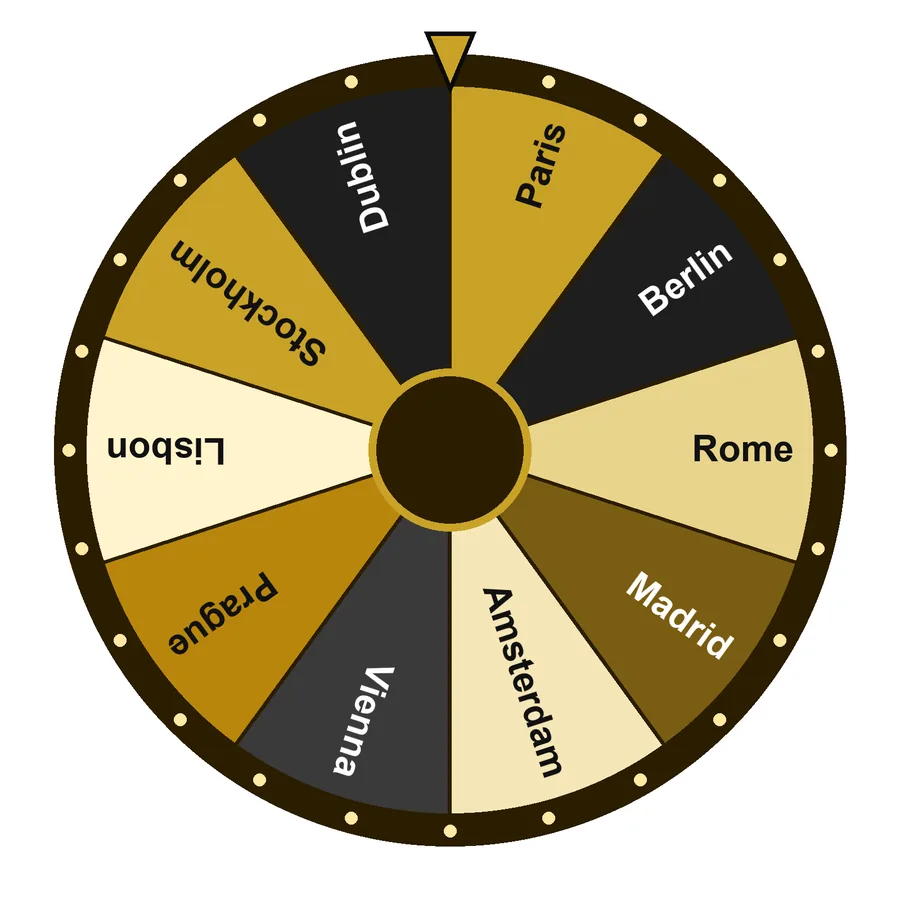 European capitals10 · Places & travelSpin this
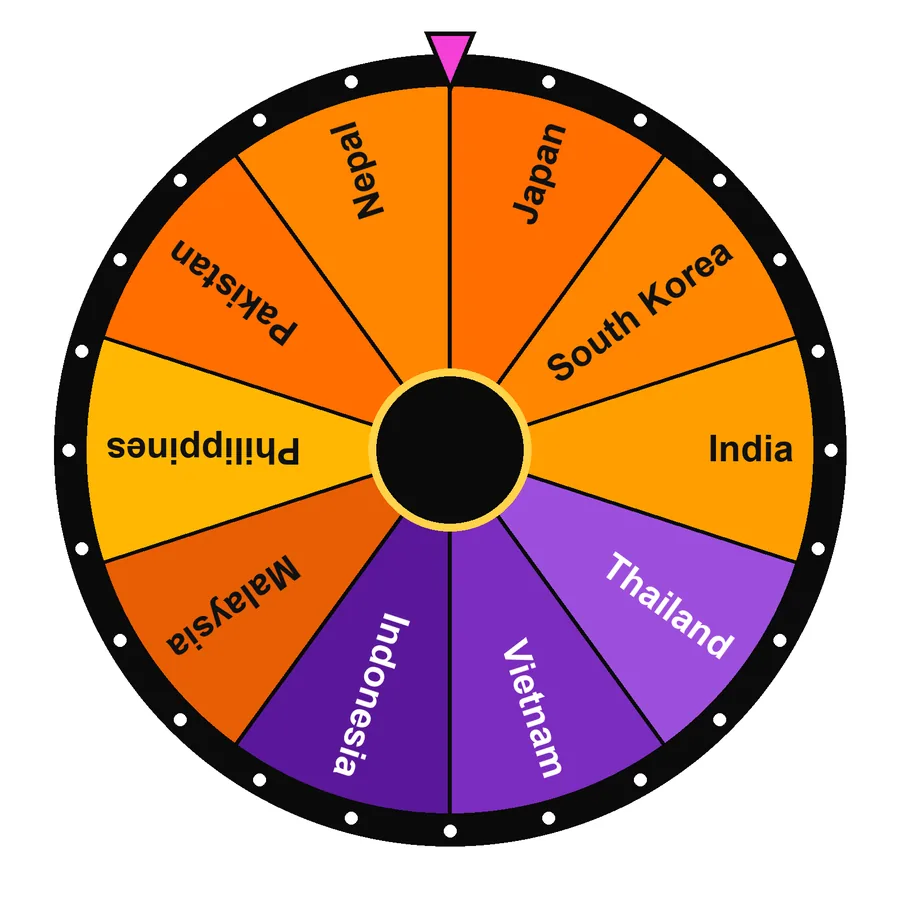 Asian countries10 · Places & travelSpin this
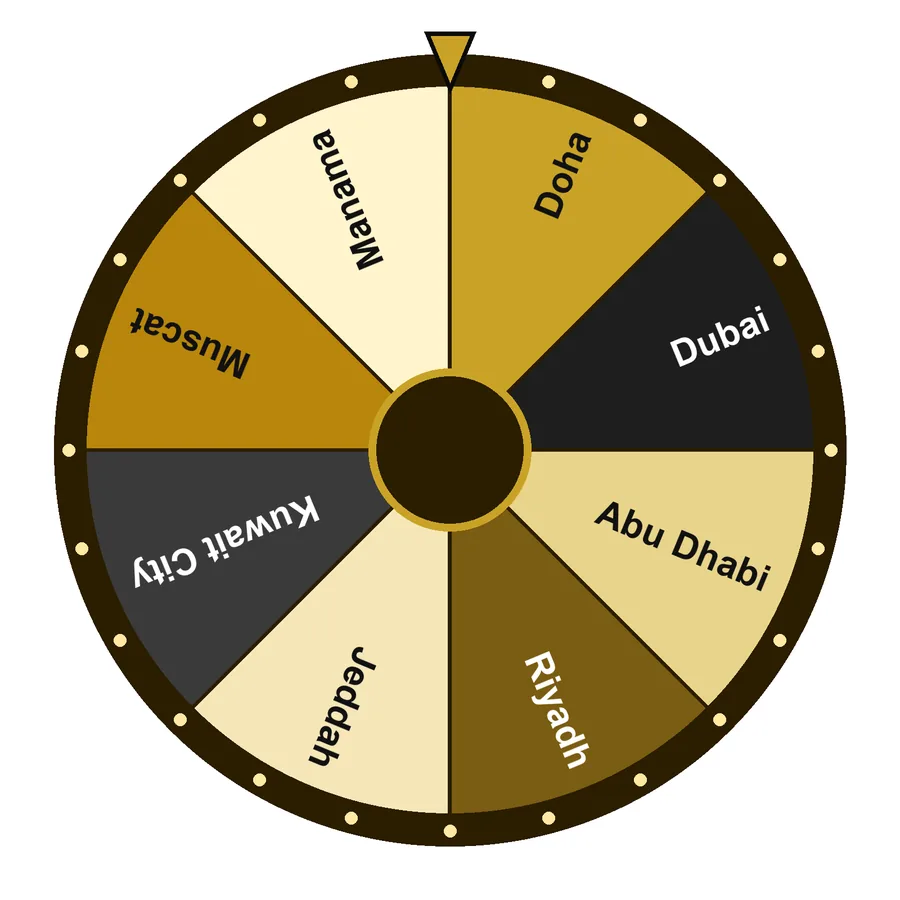 Gulf cities8 · Places & travelSpin this
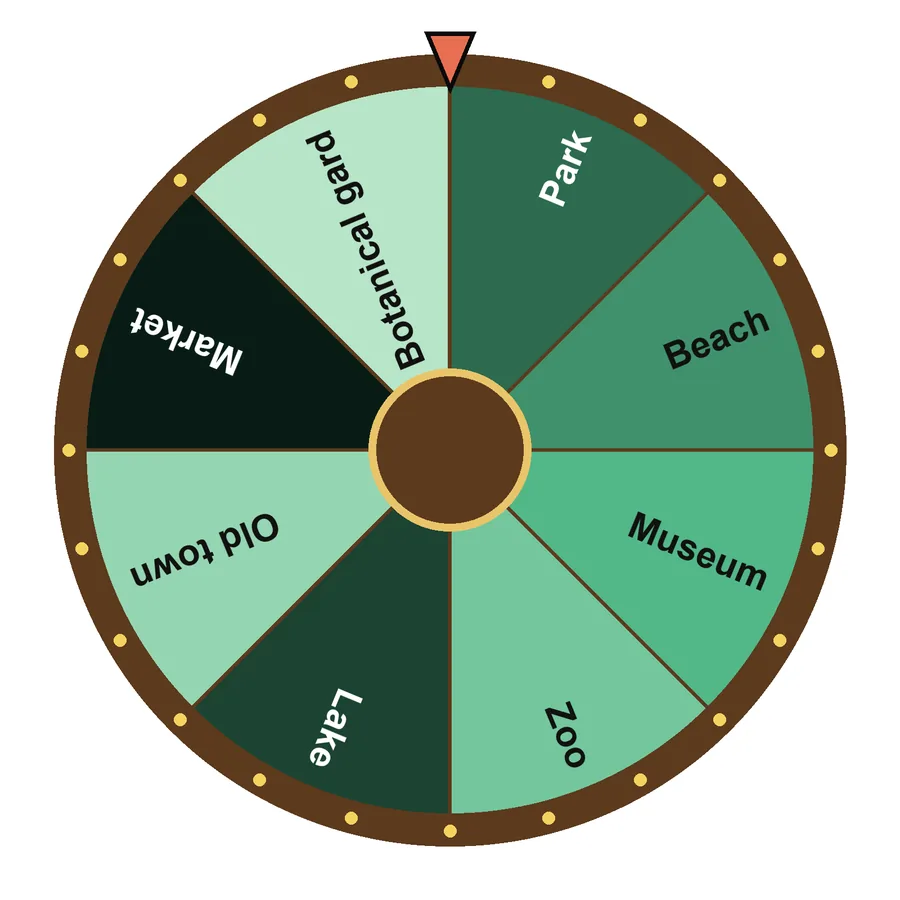 Day-out places8 · Places & travelSpin this
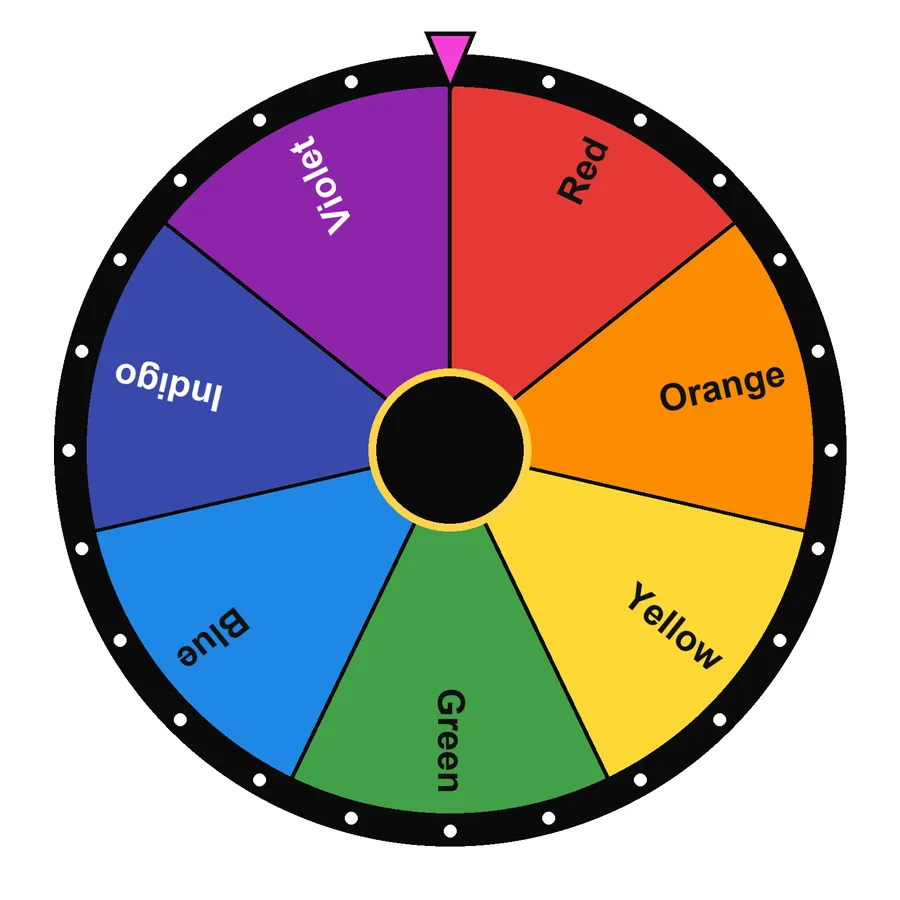
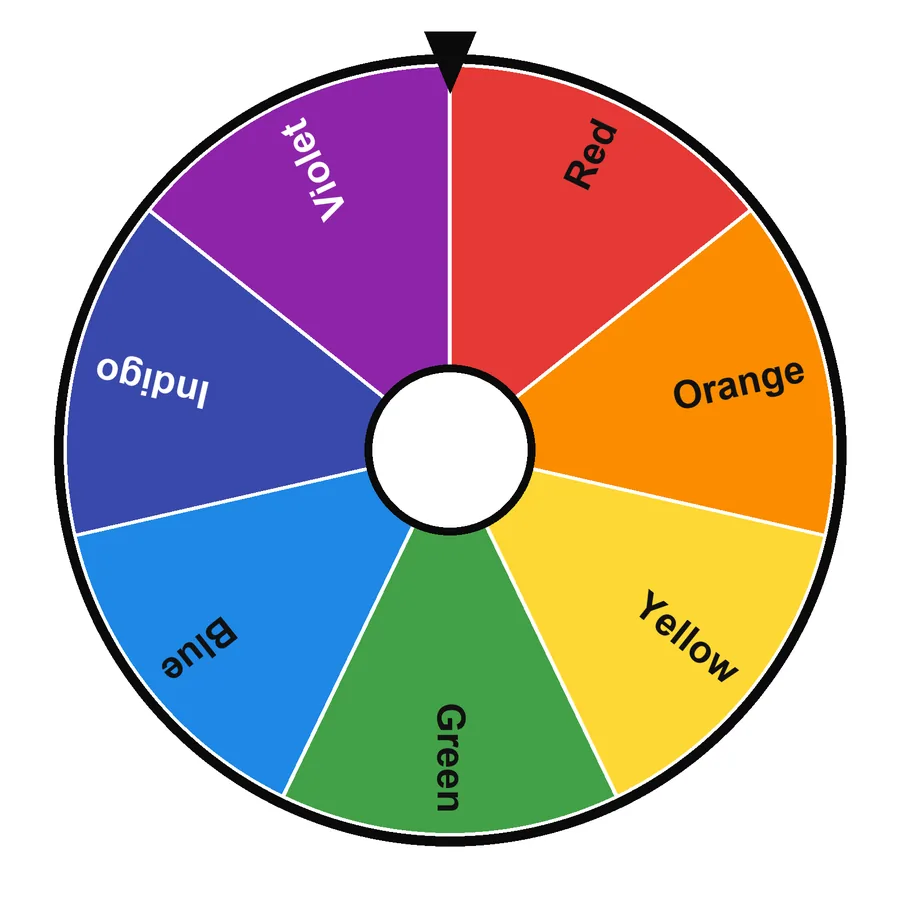 Rainbow colours7 · Colours & creativitySpin this
 Pastel colours6 · Colours & creativitySpin this
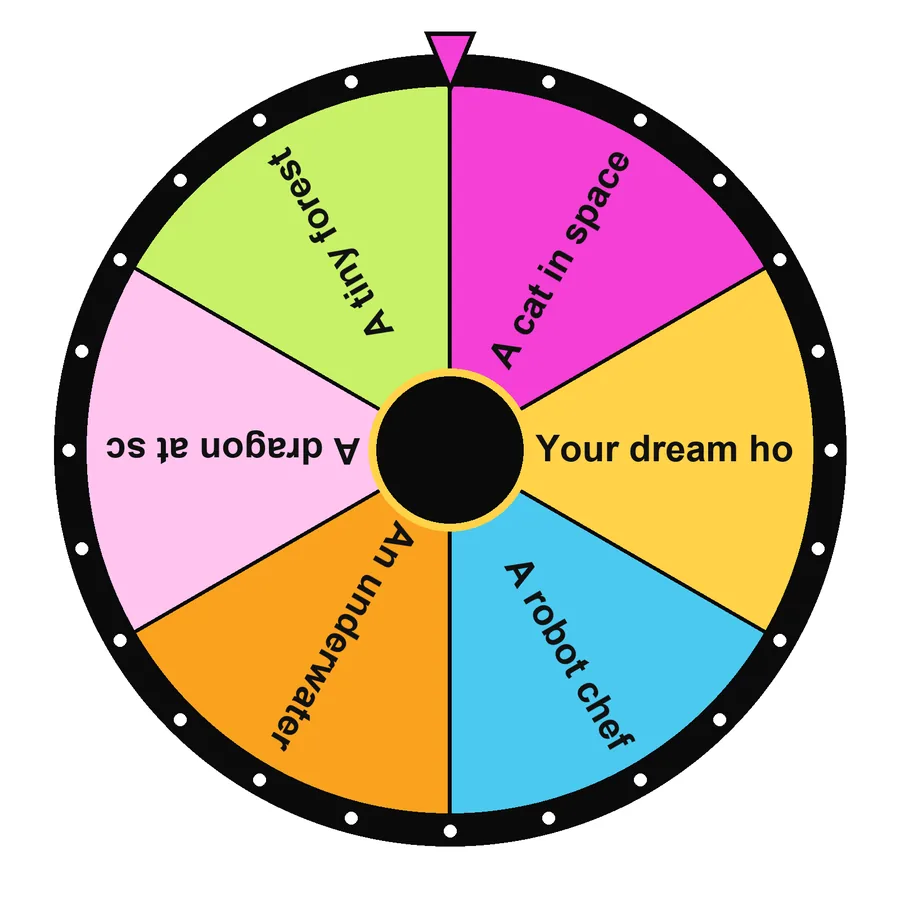 Drawing prompts6 · Colours & creativitySpin this
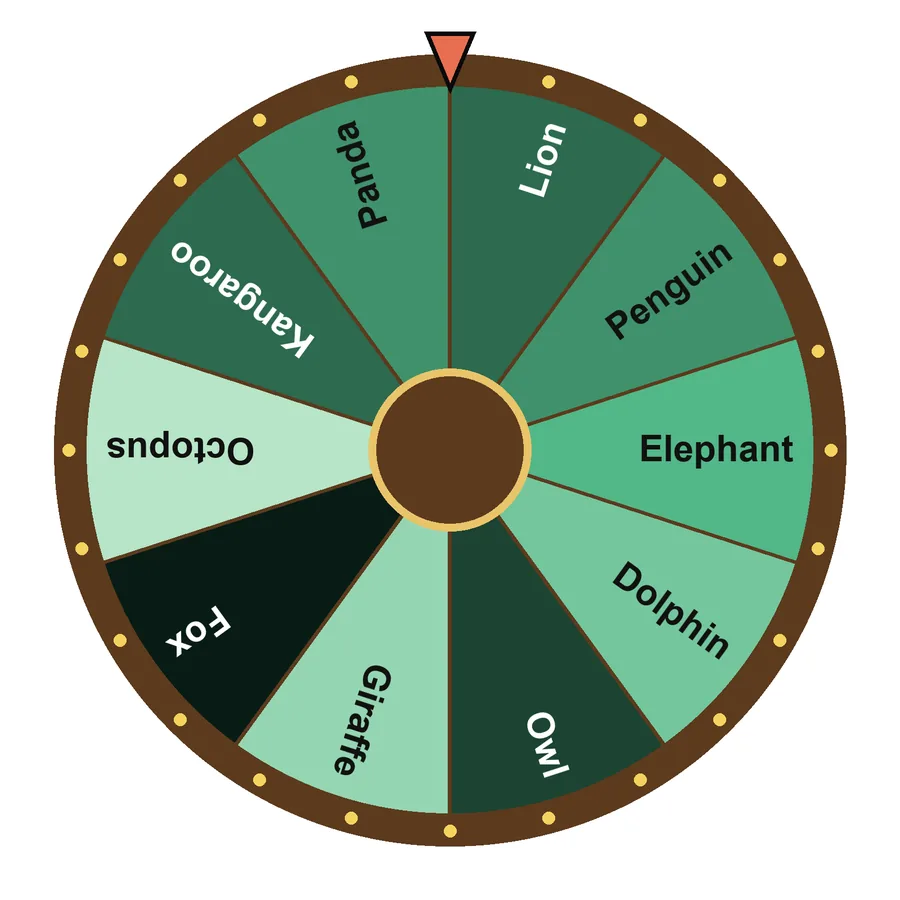 Animals10 · Colours & creativitySpin this
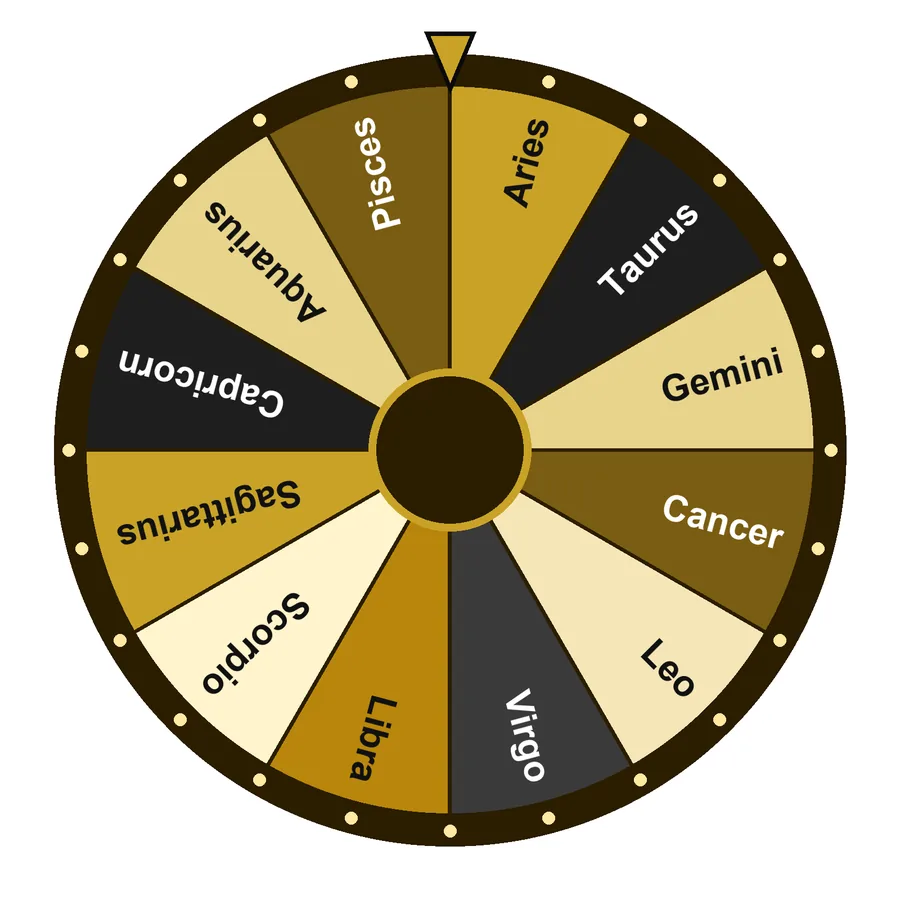 Zodiac signs12 · Colours & creativitySpin this
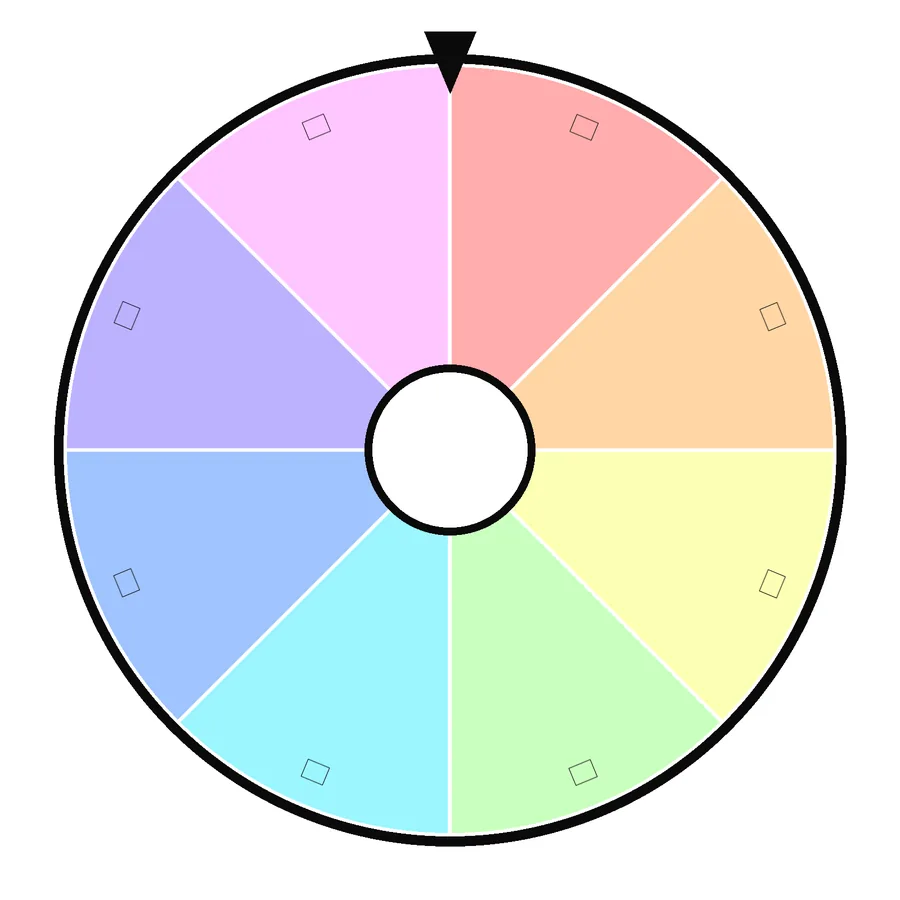 Emoji wheel8 · Colours & creativitySpin this
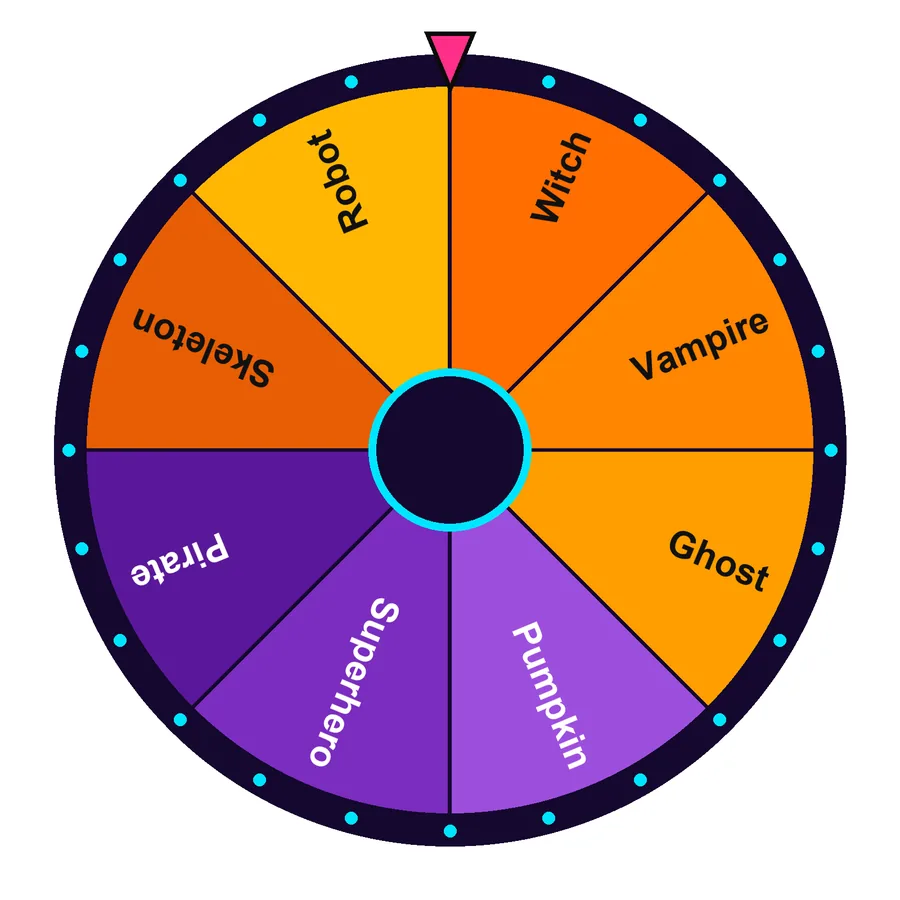 Halloween costumes8 · Holidays & eventsSpin this
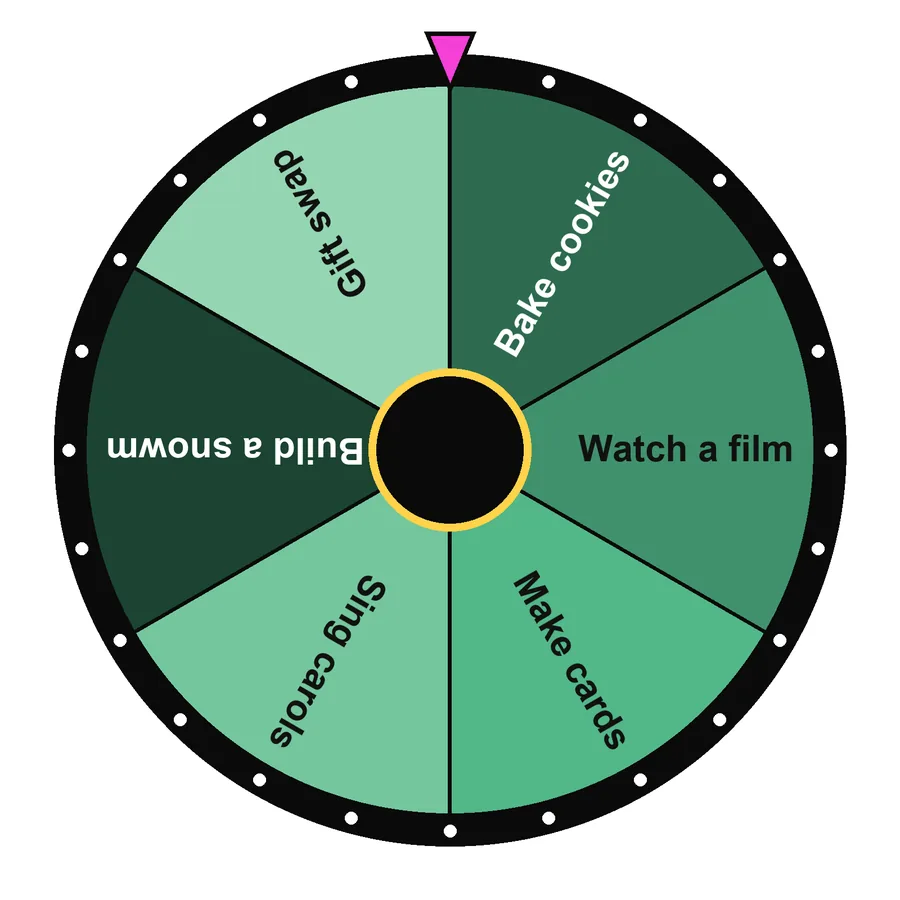 Christmas activities6 · Holidays & eventsSpin this
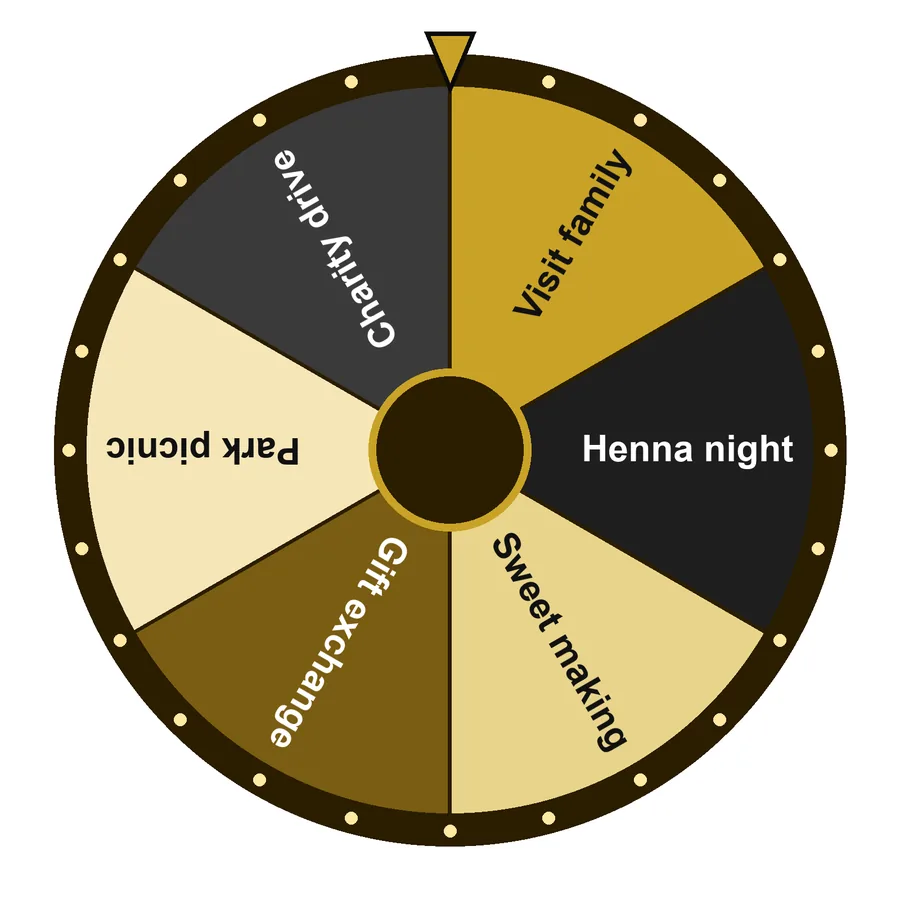 Eid activities6 · Holidays & eventsSpin this
 Birthday party games6 · Holidays & eventsSpin this
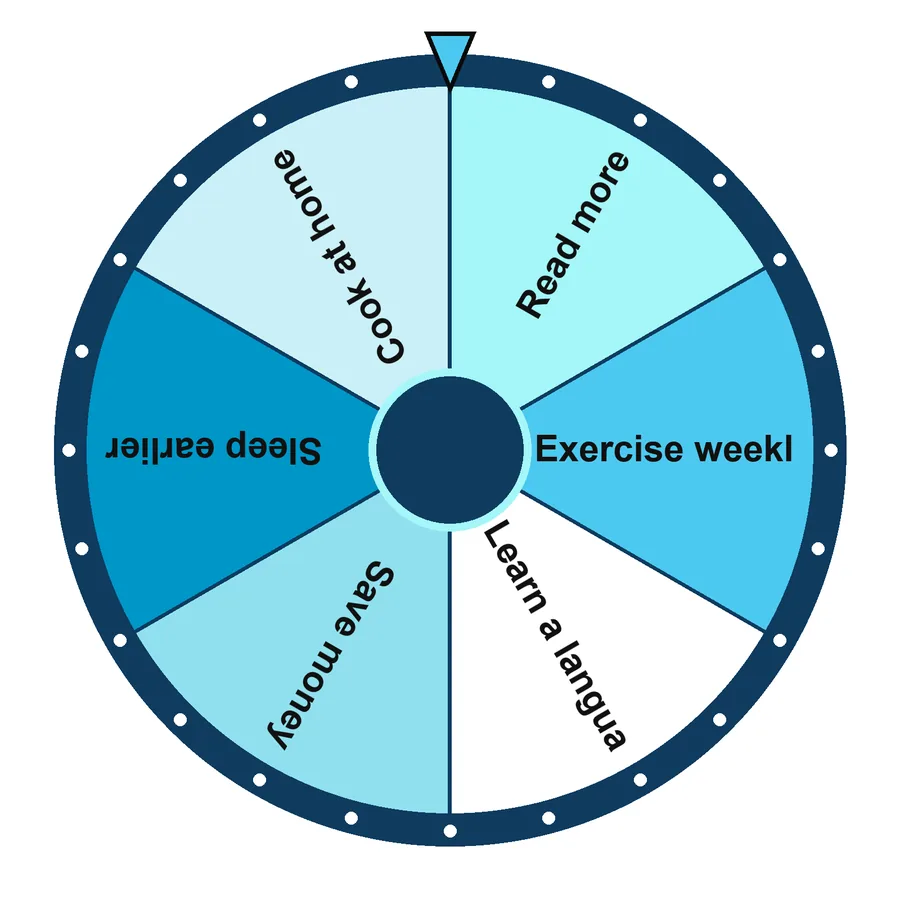 New Year resolutions6 · Holidays & eventsSpin this
 Numbers 1-1010 · Numbers & lettersSpin this
 Numbers 1-2020 · Numbers & lettersSpin this
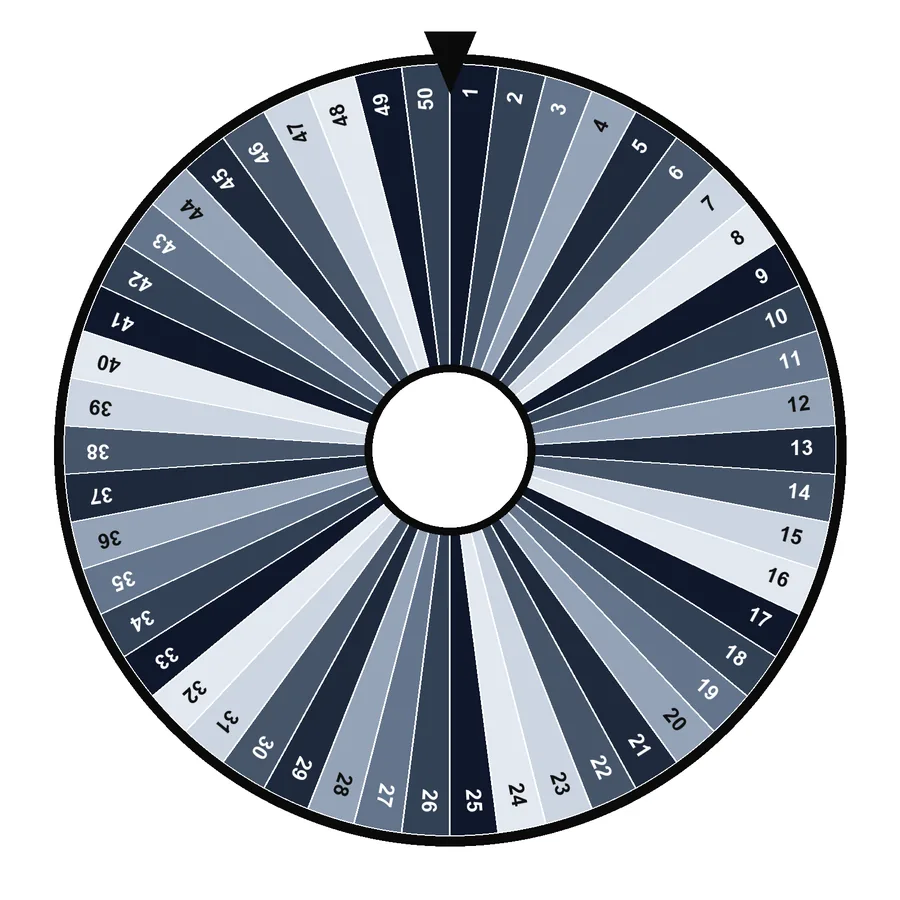 Numbers 1-5050 · Numbers & lettersSpin this
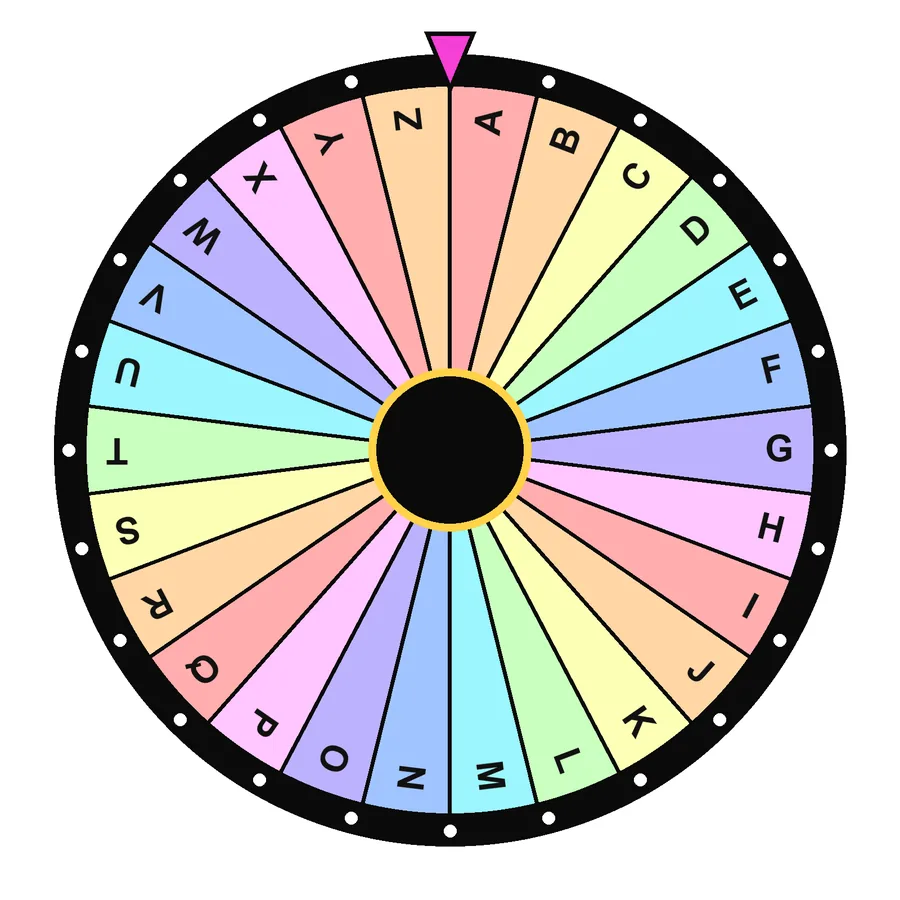 Alphabet A-Z26 · Numbers & lettersSpin this
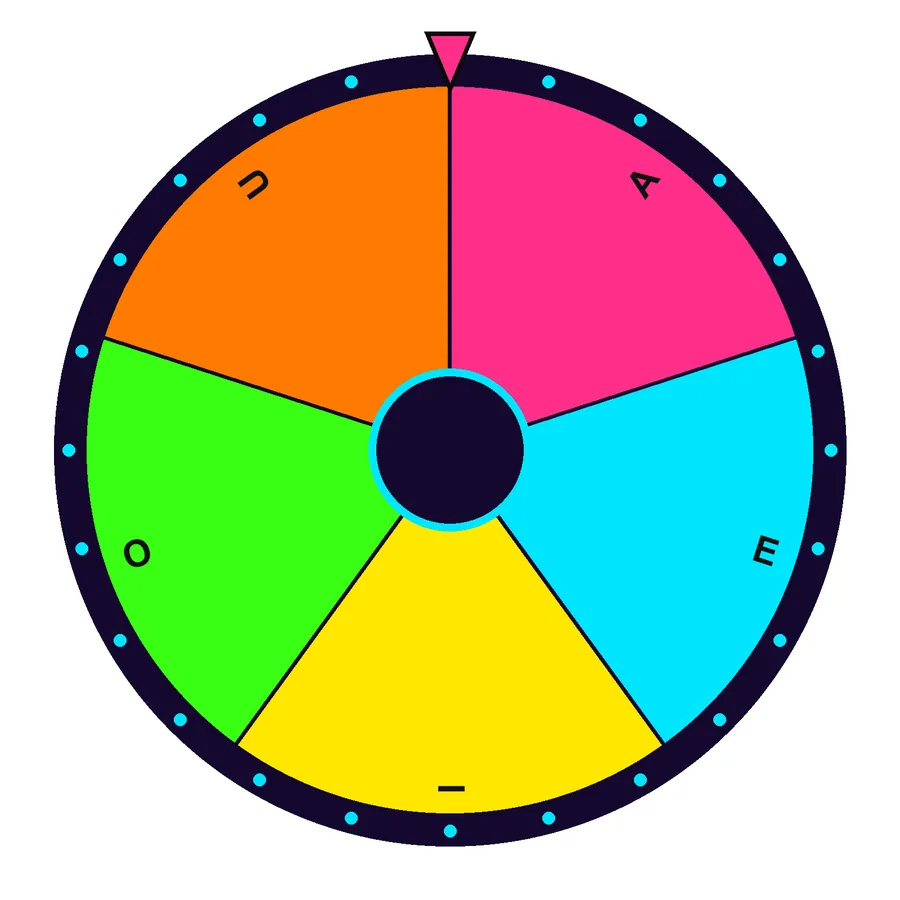 Vowels5 · Numbers & lettersSpin this
How templates work

- Browse by category or search above.
- Tap a card, it loads into the wheel with its own style.
- Edit entries, colours, chances or images, then spin, save or share.
Each template has its own look
Templates come with a matching colour palette and one of six wheel styles, Classic, Neon, Gold, Wood, Ice and Minimal. Change the style any time under Settings → Wheel style; your entries stay the same.
Build your own
Want something that is not here? Start from the closest template and edit it, or open the custom wheel maker. For special tools, try the what to eat wheel, country wheel, colour wheel and number wheel.
Frequently asked questions
How do I use a template?
Tap any card. The wheel at the top of the page switches to that template (entries, colours and wheel style) and the address changes to a short link such as /templates/#european-capitals that you can bookmark or share.
Can I edit a template?
Yes. Change, add or remove entries in the list editor, adjust colours and chances per row, add images, or switch the wheel style in Settings. Save it under “My saved wheels”.
Are templates free?
Yes, all templates and every feature are free with no sign-up.
Try another wheel




Written and tested by Musa Tariq · Editorial Team · Last updated