Color Wheel Spinner & Harmonies
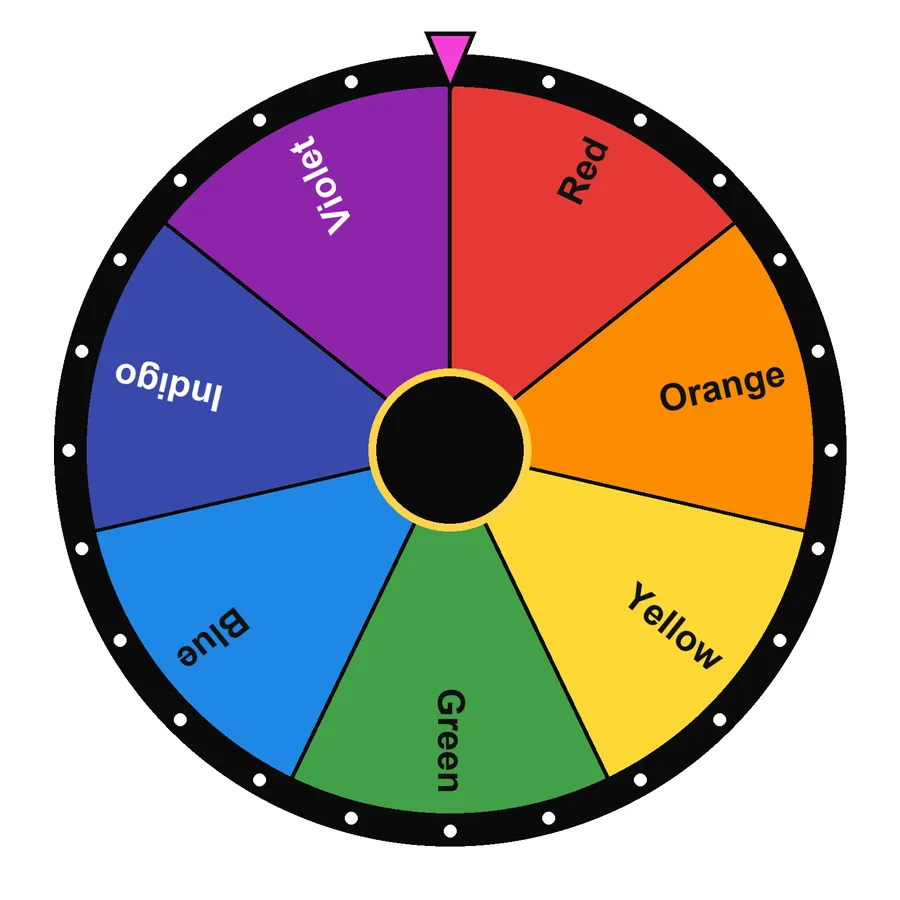
Spin for a random colour for games, art challenges or outfits, then use the colour harmony tool below to find matching complementary, analogous and triadic colours.
Tap the wheel, flick it, or press Ctrl + Enter
Large list: edit it in Text view.
Tip: add *3 after an entry to triple its chance, or a colour like #16A34A to colour its slice.
…This hash locks in the next result before you spin. After the spin we reveal the seed so anyone can check it.Find colour harmonies
Pick any colour and see the classic harmonies that designers, painters and decorators use.
Colour wheel basics
| Harmony | How it works | Feel |
|---|---|---|
| Complementary | Two colours opposite each other (180°) | Bold, high contrast |
| Analogous | Three neighbours (±30°) | Calm, natural |
| Triadic | Three colours evenly spaced (120°) | Lively but balanced |
| Split-complementary | One colour plus the two beside its complement | Contrast with less tension |
| Tetradic | Four colours in a square (90°) | Rich; use one as the main colour |
Warm vs. cool colours

Reds, oranges and yellows feel warm and energetic; blues, greens and violets feel cool and calm. A common design rule is 60-30-10: 60% main colour, 30% secondary, 10% accent.
Ways to use the random colour spinner
- Art challenge: spin twice and draw only with those two colours.
- Kids’ games: spin and find an object of that colour in the room.
- Outfit picker: let the wheel choose today’s accent colour.
- Design warm-up: spin a base colour, then build a palette with the harmony tool.
Frequently asked questions
What is a color wheel?
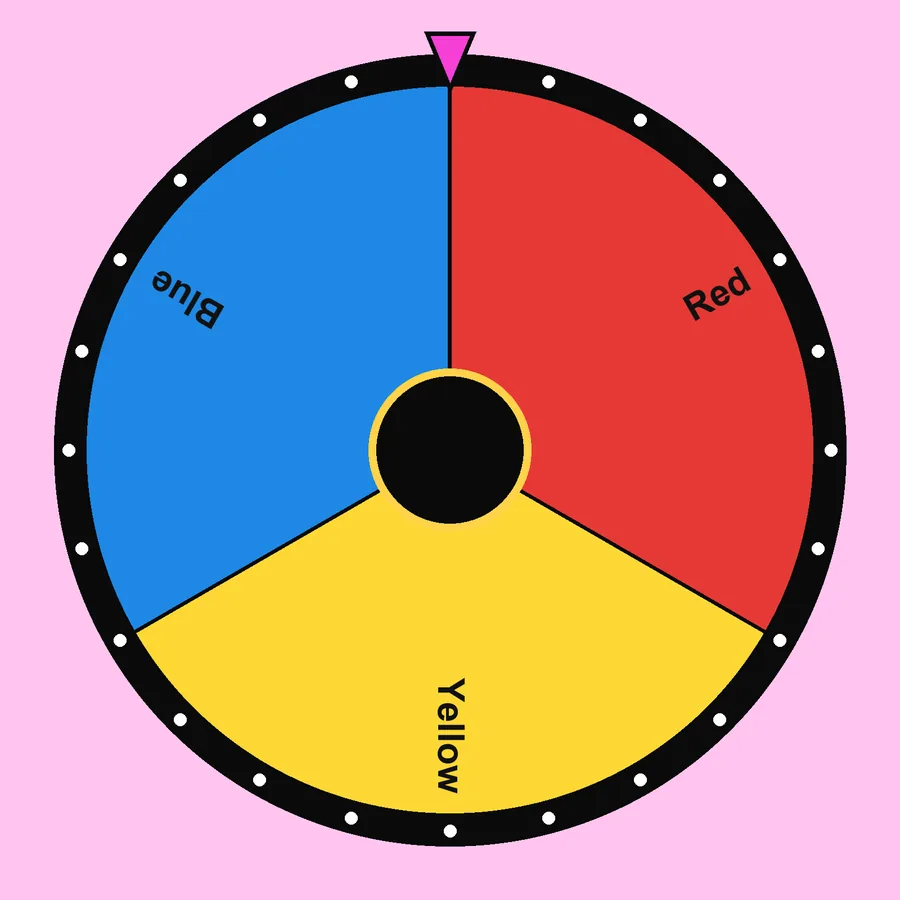
A colour wheel arranges hues in a circle so you can see how they relate. Primary colours (red, yellow, blue) mix into secondary colours (orange, green, violet), and those mix into six tertiary colours, 12 in total.
What are complementary colours?
Colours opposite each other on the wheel, such as blue and orange. They create the strongest contrast. Pick a colour in the harmony tool to see its complement instantly.
How do I pick a random colour?
Spin the wheel above. Use the 12-colour preset for art theory, the Rainbow preset for kids’ games, or type your own colours with hex codes such as Teal #008080.
Can I use the colour wheel for a game?
Yes, it is popular for Twister-style games, “find something this colour” hunts and drawing challenges.
How do I play a color wheel game?
Fill the wheel of colors, spin and do whatever the colour says: touch something that colour, draw with it or join that team. Every slice shows the colour next to its name, so even young children can pick a color without reading. It works as a color spin wheel on phones and classroom screens.




Written and tested by Musa Tariq · Editorial Team · Last updated