Drawing Prompt Wheel
Beat the blank page. Spin for something to draw (a subject, a scene or a challenge) and start sketching straight away.
Tap the wheel, flick it, or press Ctrl + Enter
Large list: edit it in Text view.
Tip: add *3 after an entry to triple its chance, or a colour like #16A34A to colour its slice.
…This hash locks in the next result before you spin. After the spin we reveal the seed so anyone can check it.Daily sketch routine
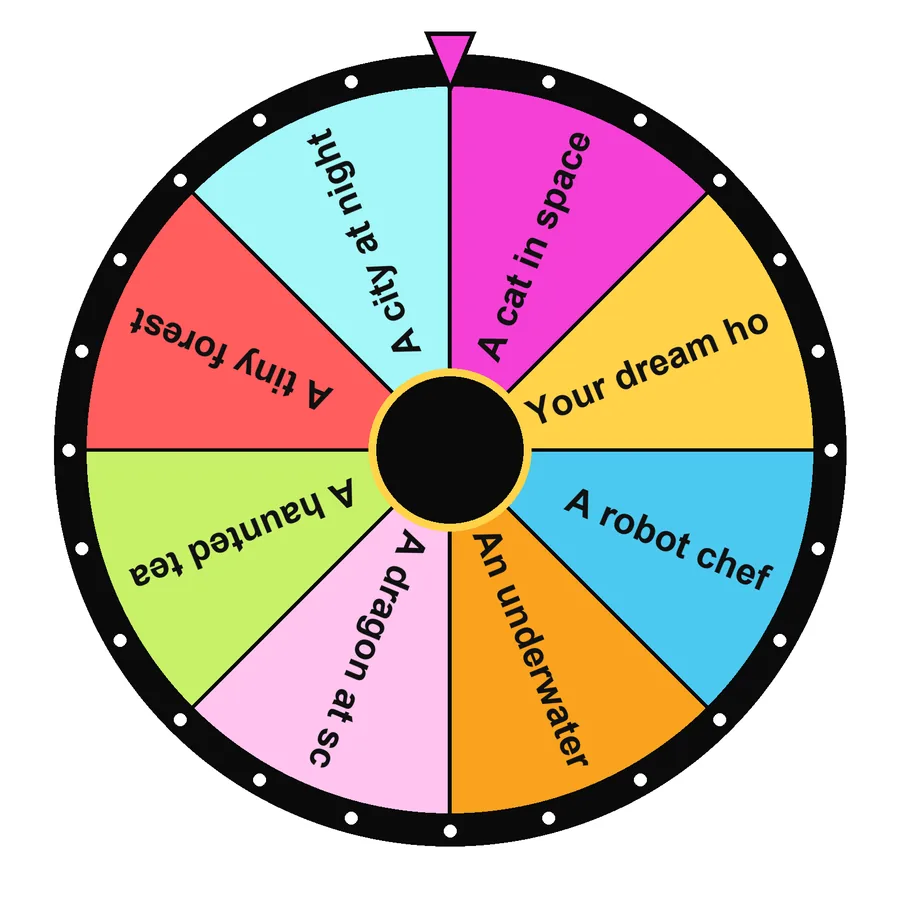
- Spin an Imaginative or Observation prompt.
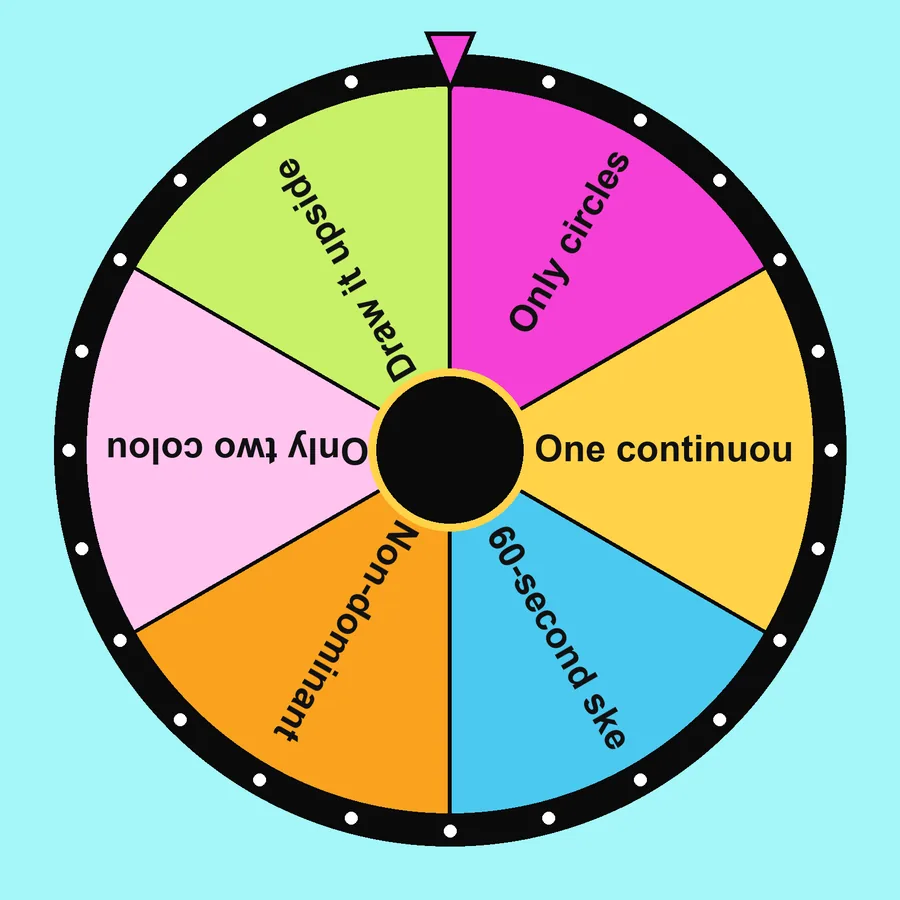
- Spin a Challenge for extra difficulty.
- Set a timer for 10 minutes and draw without erasing.
Why prompts help
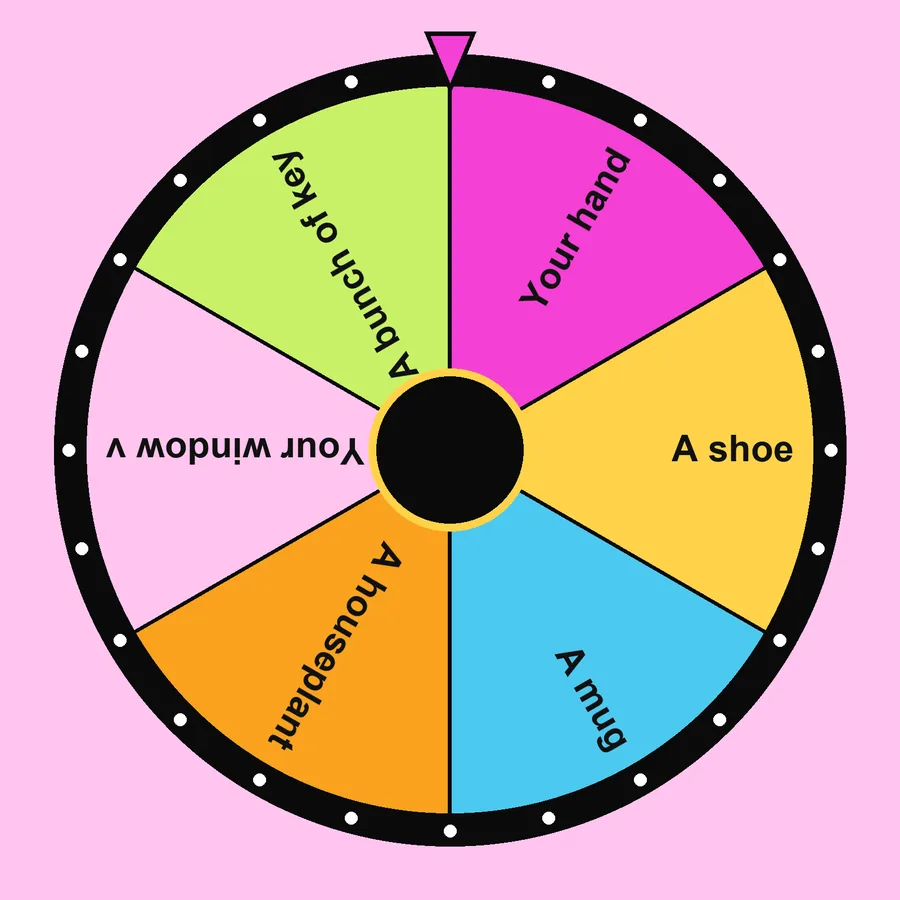
Choosing what to draw uses the same energy you need for drawing. A random prompt removes that decision and pushes you towards subjects you would not pick yourself, which is how skills grow.
Pair with colour
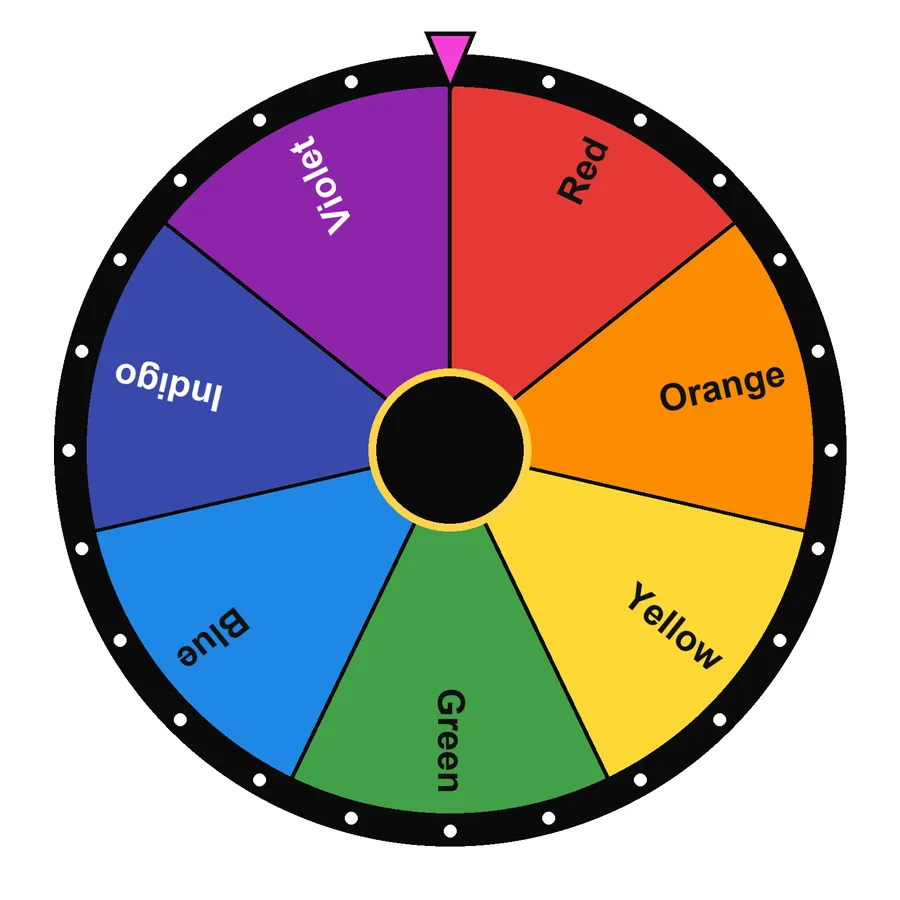
Spin the colour wheel twice and use only those two colours.
Frequently asked questions
How do I make the prompts harder?
Spin a subject, then spin a challenge, for example “a robot chef” drawn in one continuous line.
Is it good for classrooms?
Yes. Spin one prompt for the whole class and compare how differently everyone interprets it.



Written and tested by Musa Tariq · Editorial Team · Last updated