Online Spinner & Fidget Spinner
Choose how many sections you need (2 to 20) and spin the classic number spinner, or scroll down to play with a smooth virtual fidget spinner.
Tap the wheel, flick it, or press Ctrl + Enter
Large list: edit it in Text view.
Tip: add *3 after an entry to triple its chance, or a colour like #16A34A to colour its slice.
…This hash locks in the next result before you spin. After the spin we reveal the seed so anyone can check it.Virtual fidget spinner

Need a quick break? Flick the spinner or press the button and watch it slow down.
0 RPM
How to use the number spinner
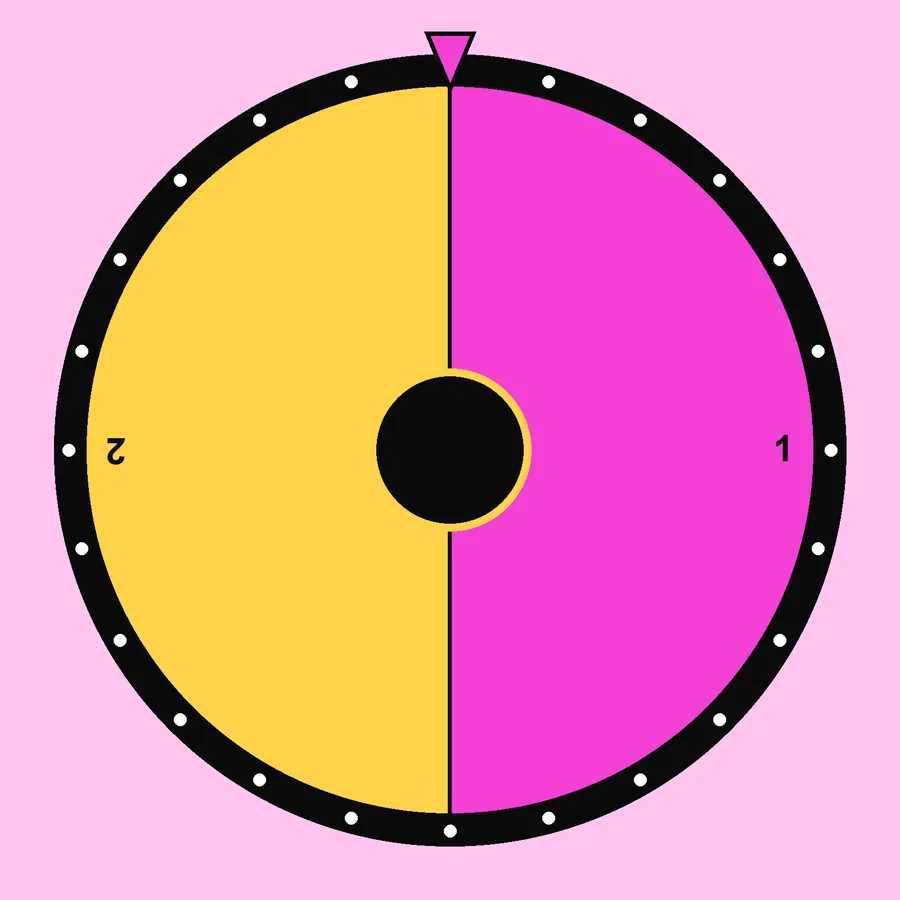
- Choose the number of sections (2-20).
- Tap the spinner, flick it or press the Spin button.
- Read the number, it is also kept in the Results tab.
What people use an online spinner for

- Board gamesReplace a lost spinner or die, 6 sections for a die, 4 for directions.
- ClassroomPick a group number, a question or a page.
- Turn orderNumber the players and spin.
- Focus breaksThe fidget spinner is a calm 30-second reset.
Need bigger ranges, exclusions or no repeats? Switch to the random number wheel.
Number spinner vs. dice
A spinner can have any number of equal sections, while a die is limited to its faces. Need a choice from 1 to 7, or from 1 to 15? Use a spinner. Want the feel of rolling? Use the dice roller. Both are equally fair.
Classroom maths with a spinner
- Spin twice and add, subtract or multiply the numbers.
- Predict how often an even number will appear in 20 spins, then compare with the Results tab.
- Build fractions: the first spin is the numerator, the second the denominator.
About fidget spinners
Fidget spinners became a craze in 2017. Many people find a few seconds of repetitive motion relaxing during study breaks. Our virtual spinner has realistic momentum and friction (flick harder for more RPM) without the noise of a physical toy in class.
Frequently asked questions
How do I change the number of sections?
Tap one of the “sections” buttons above the entries (from 2 to 20) or type your own labels.
Is this like the spinner in search results?
It does the same job and adds more: custom labels, weights, multiple results, sound, history and a fairness proof. It is an independent tool and not affiliated with any search engine.
How does the fidget spinner work?
Flick it with your finger or mouse, or press Spin. It keeps its momentum and slows down naturally, showing the current speed in RPM.
How is this different from the Google spinner?
Google shows a small spinner when you search for one. It is handy for a quick number, but you cannot add your own text, save it or share it. This online spinner works the same way with a click or a flick, and adds custom labels, colours, a fidget mode and a share link.


Written and tested by Musa Tariq · Editorial Team · Last updated